The app
Inside the app.
One app for phone, tablet and computer, made for match days when time is short and there’s often no signal. The screens below are real; only the demo data is invented.
Computer
More room at the office.
On a PC or Mac the wider screen shows more at once. Prepare the session and the tactics board at the office and they’ll be on the tablet when you get to the ground. Pick a module to see its screens.
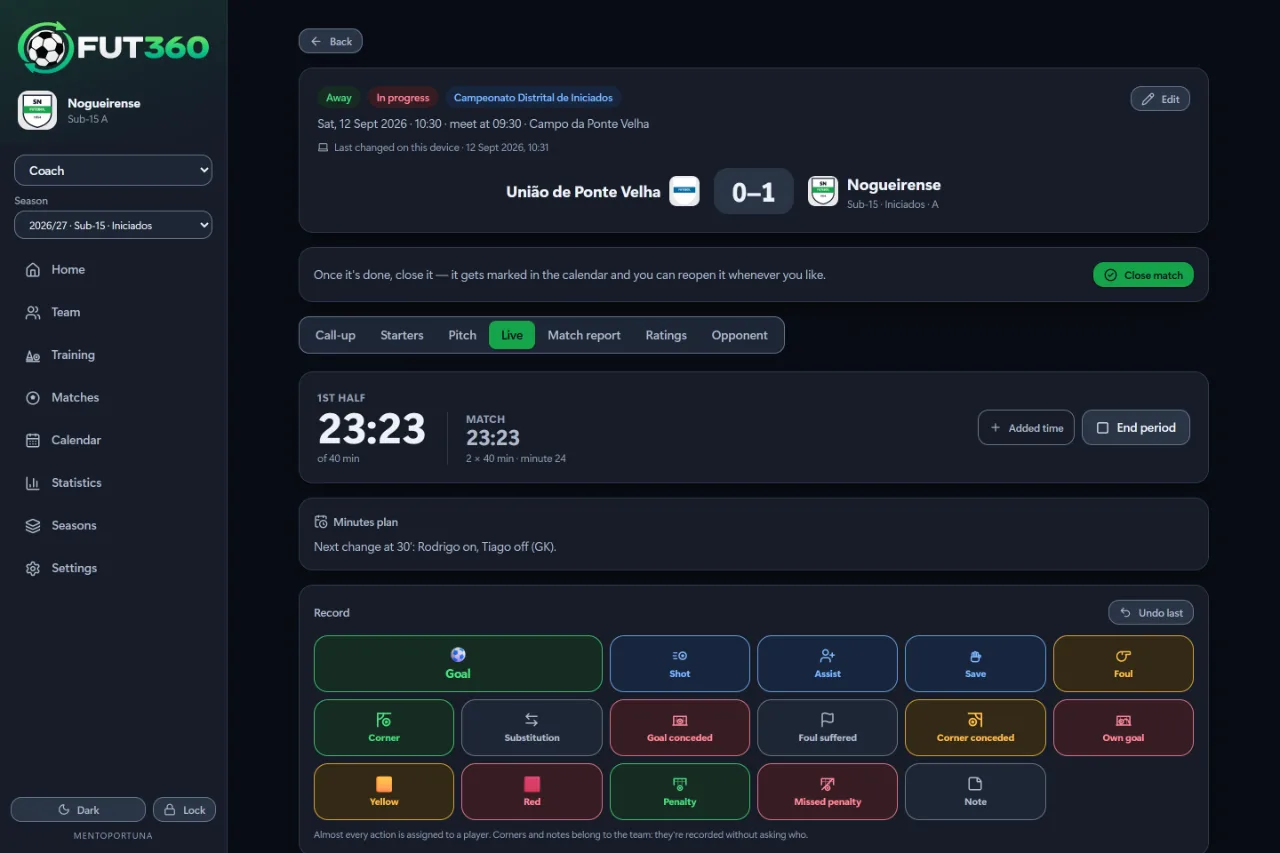
A clock for each half and 16 actions to log with a tap.
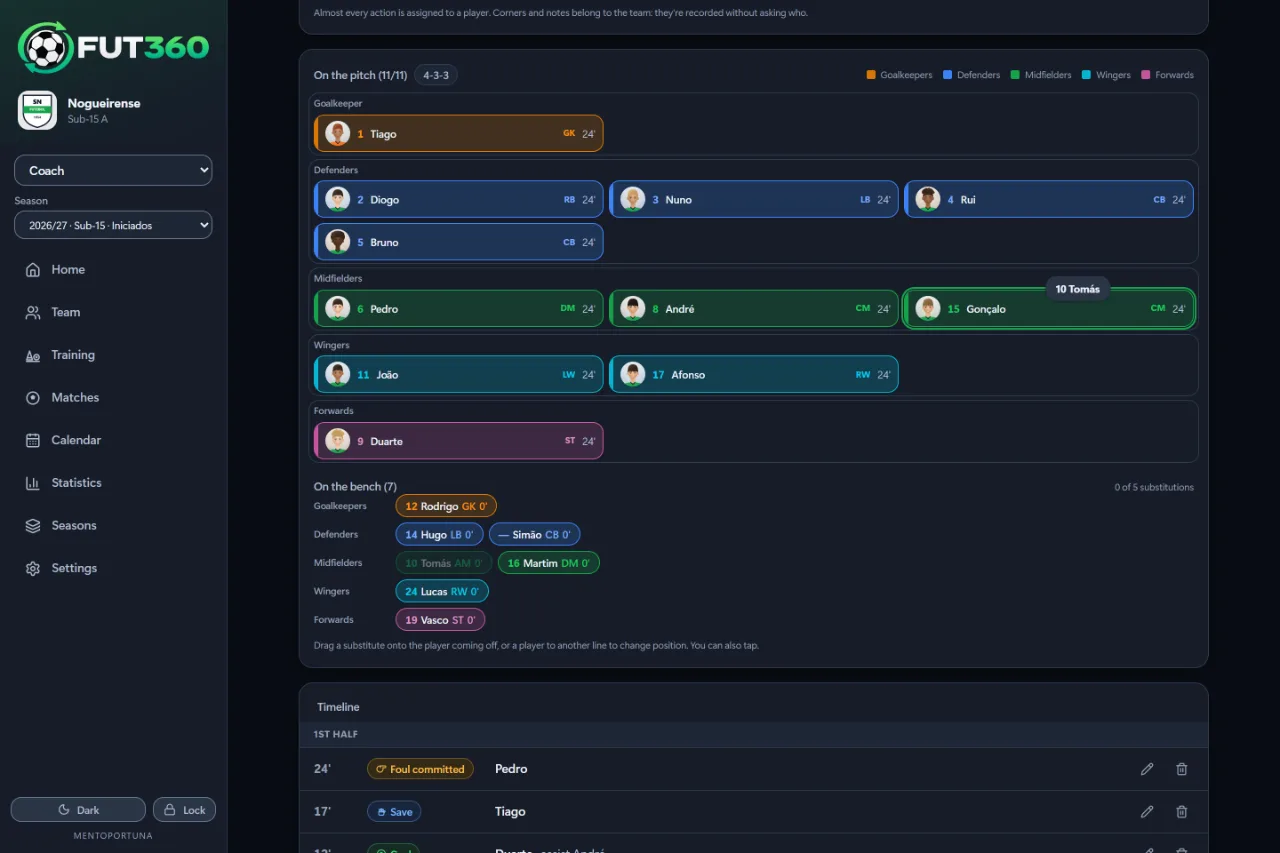
Players shown in the line they’re playing in. Drag to make a sub or change a position.
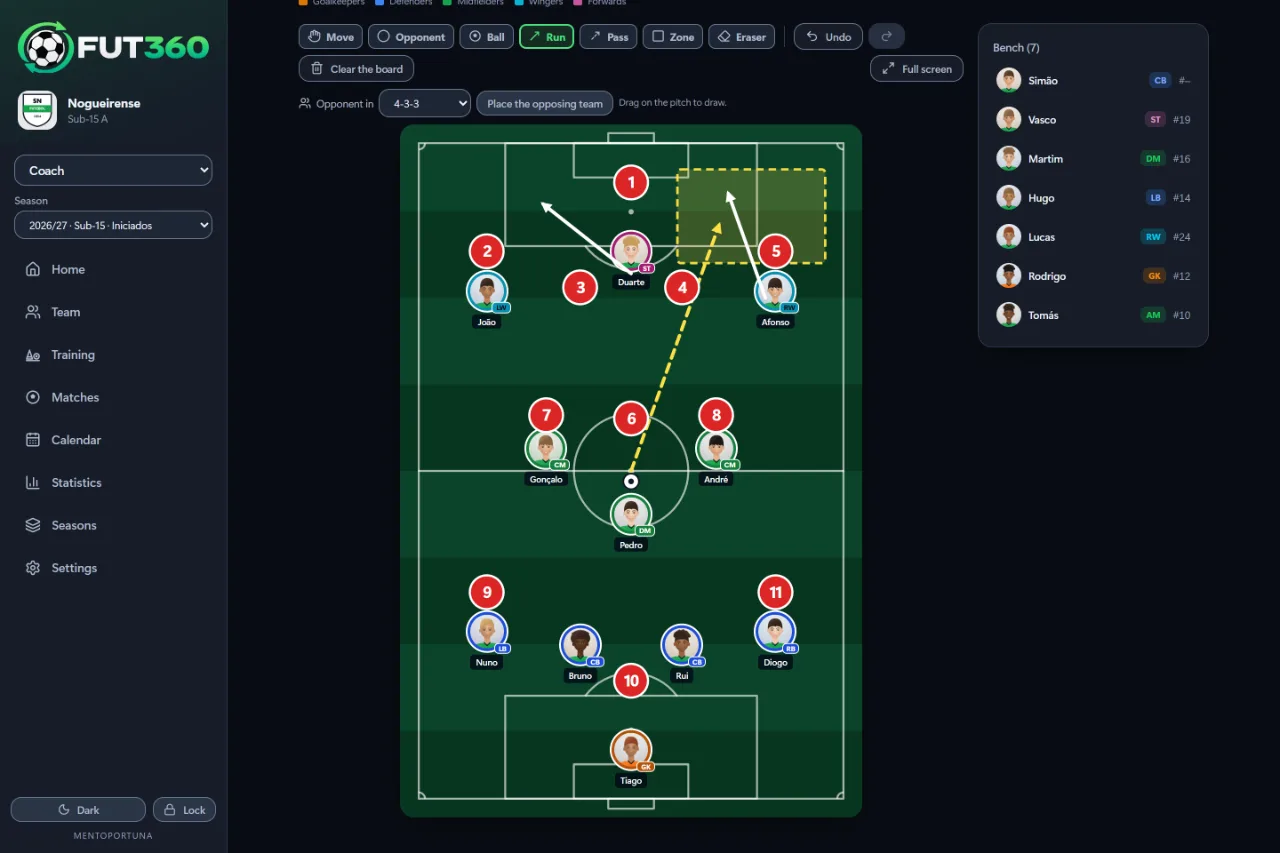
Opponents, ball, arrows and zones over your XI, full screen for the dressing room.
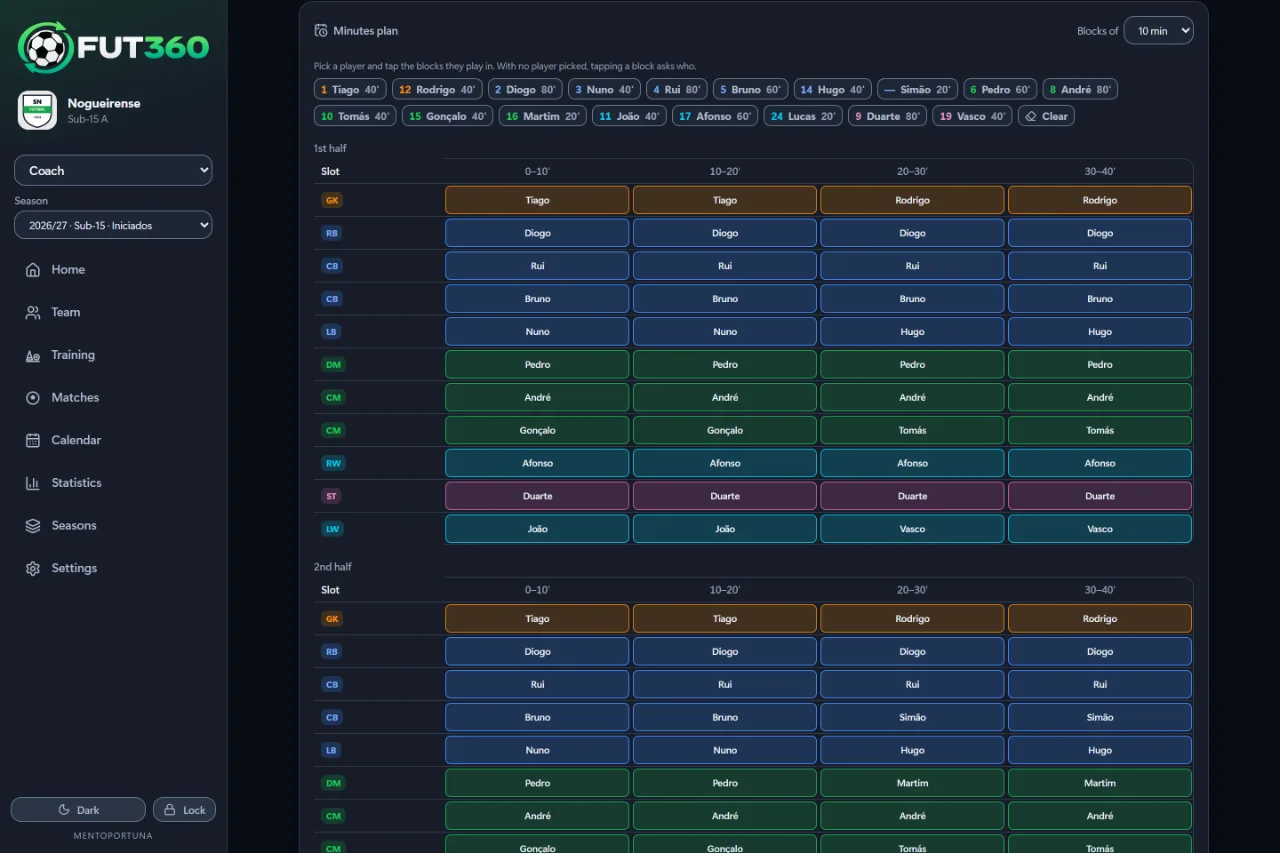
For academy teams: who plays, when they go on and where, in both halves.
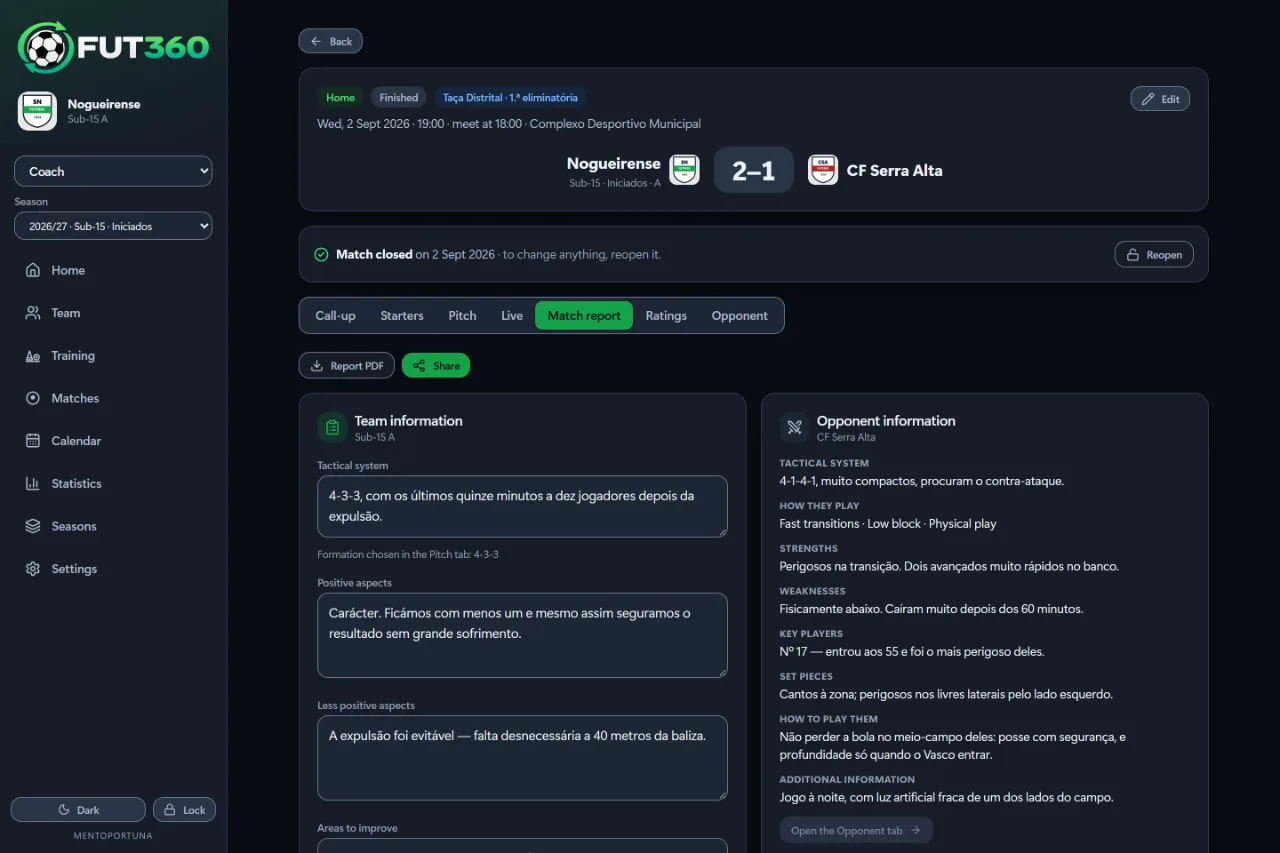
Your analysis and notes on the opposition, ready to export as a PDF.
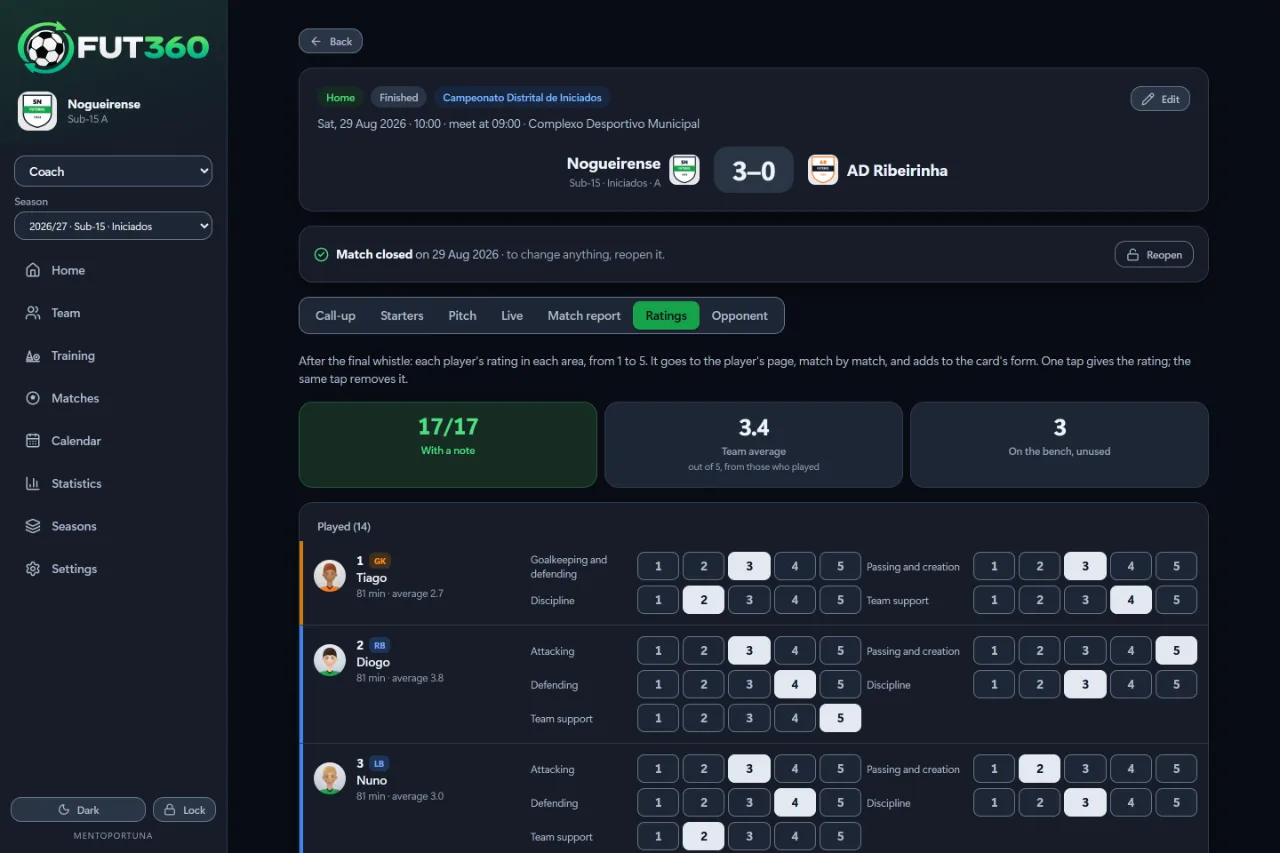
After the match, rate every player from 1 to 5 in each area, for the position they played.
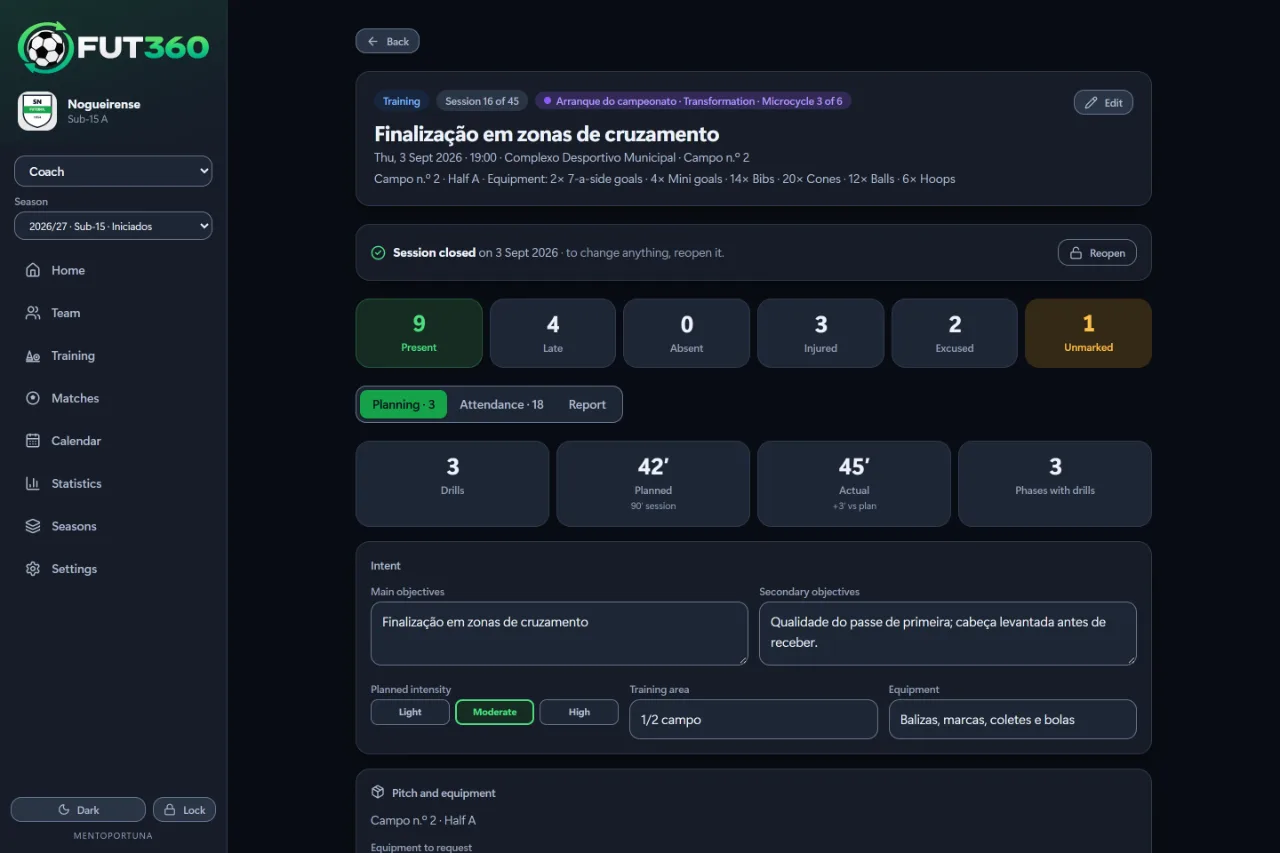
A session split into phases, with drills from the library and how long each one lasts.
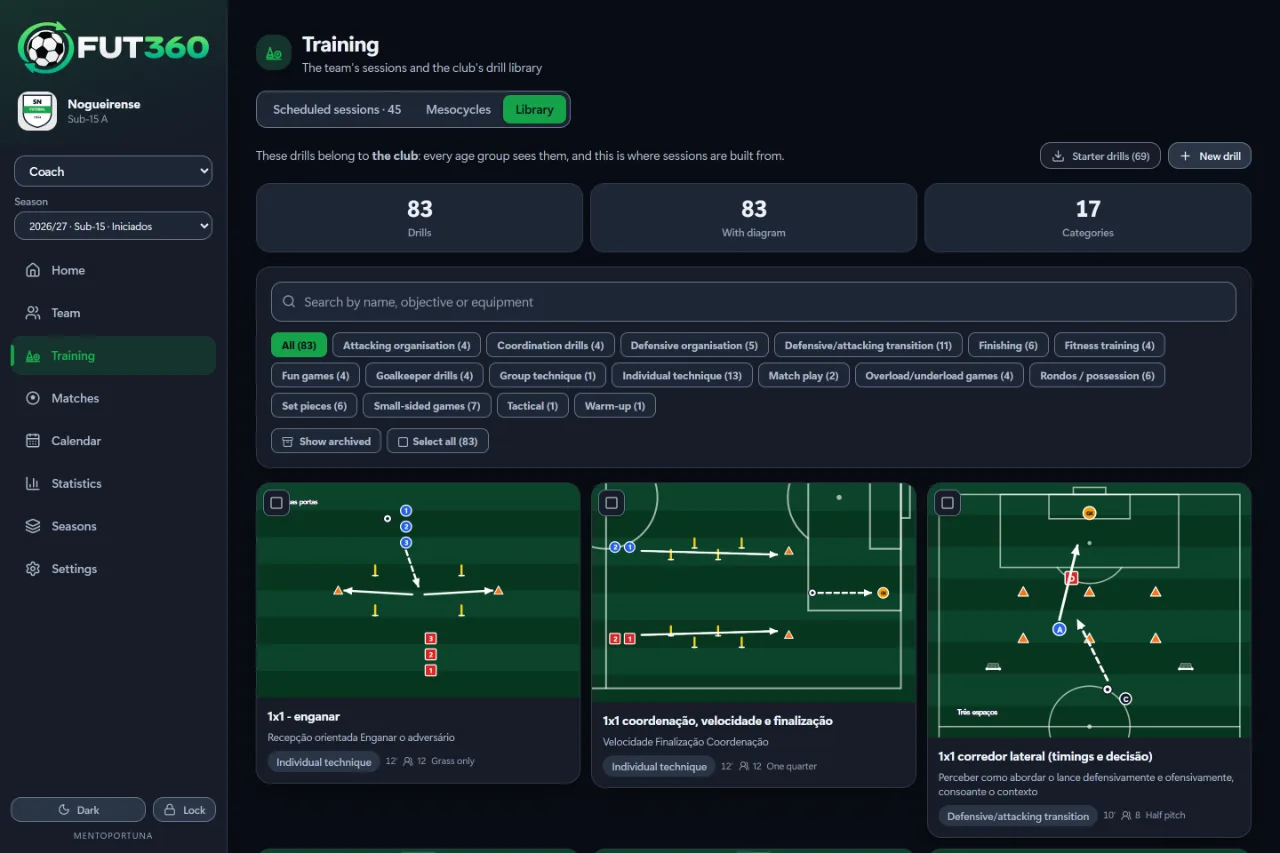
The club’s drills, drawn on a pitch and shared across age groups.
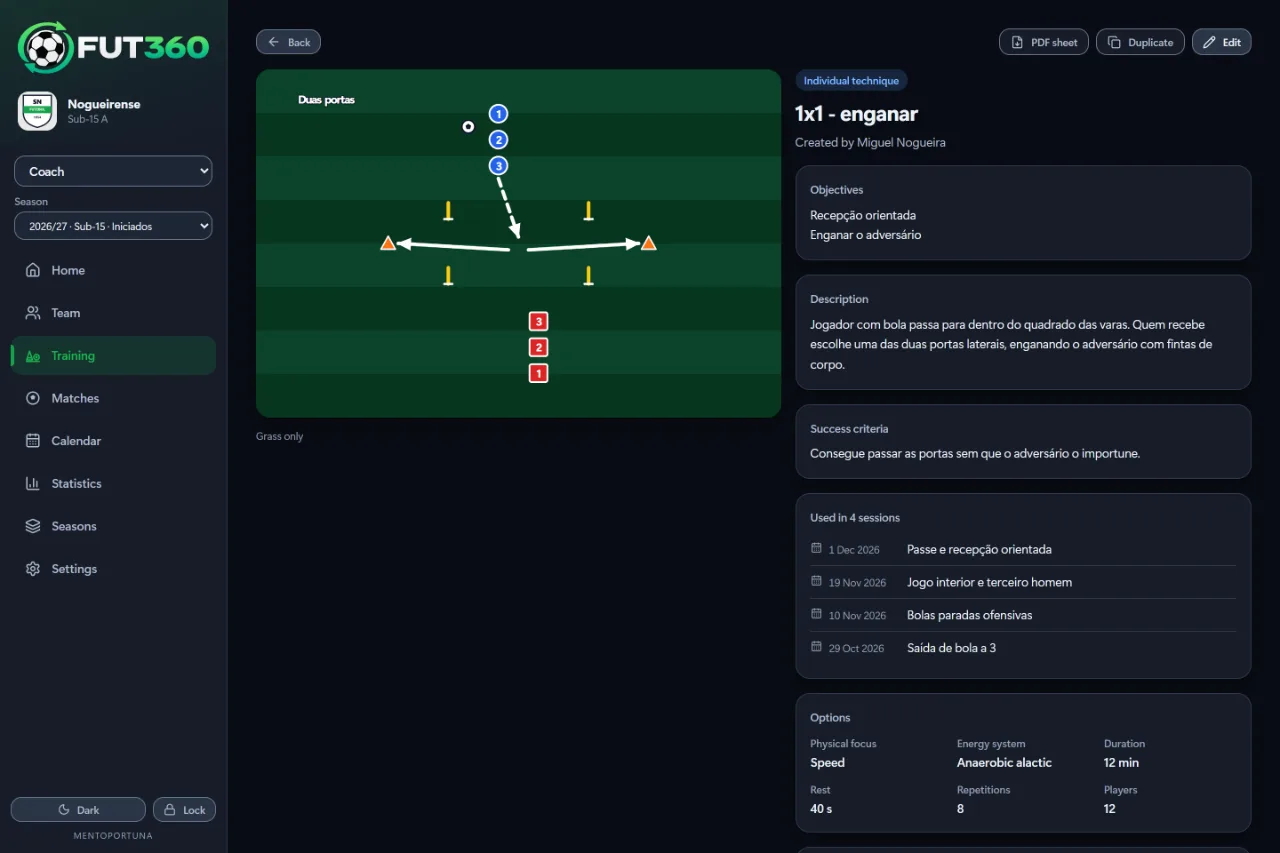
Diagram, objectives, success criteria and equipment for each drill.
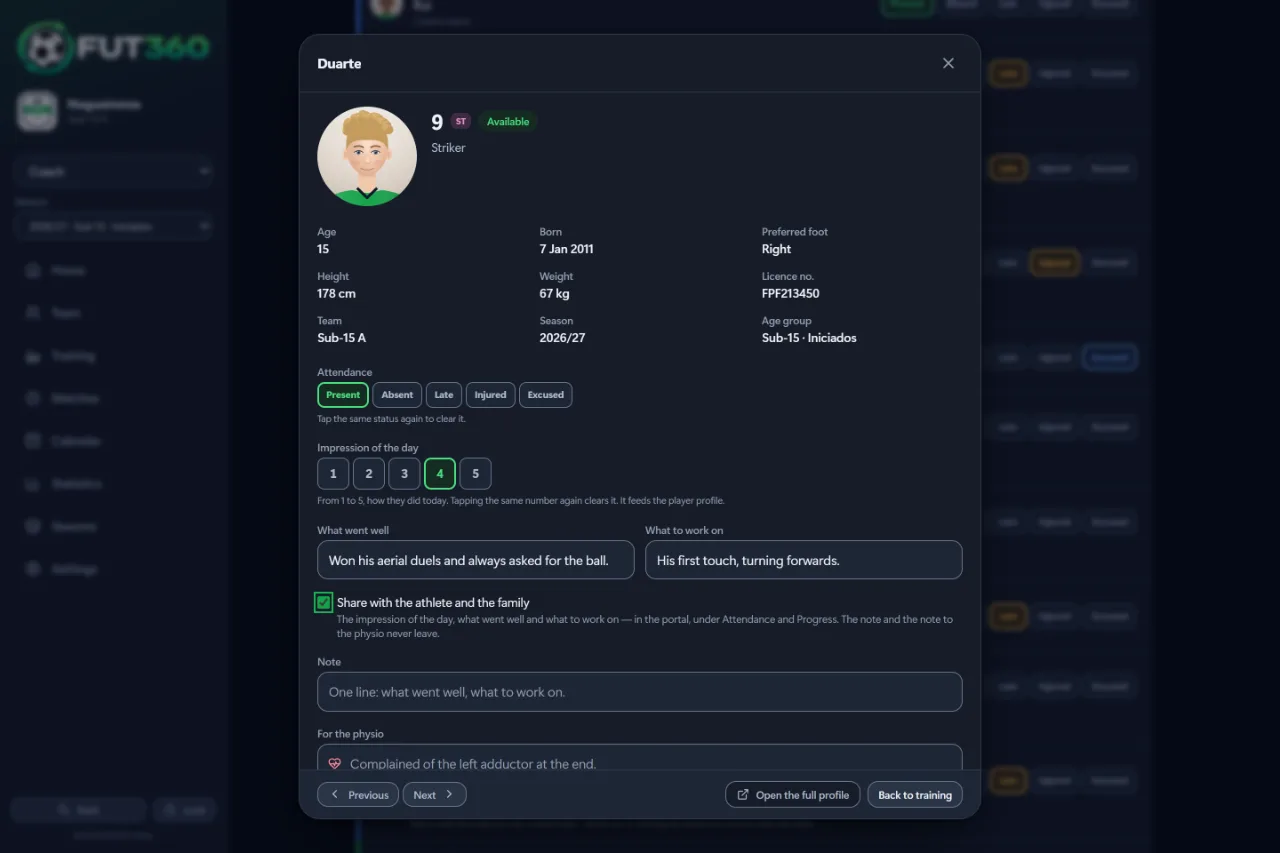
Tap a name to open their sheet: attendance, the impression of the day, what went well, what to work on and a note for the physio.
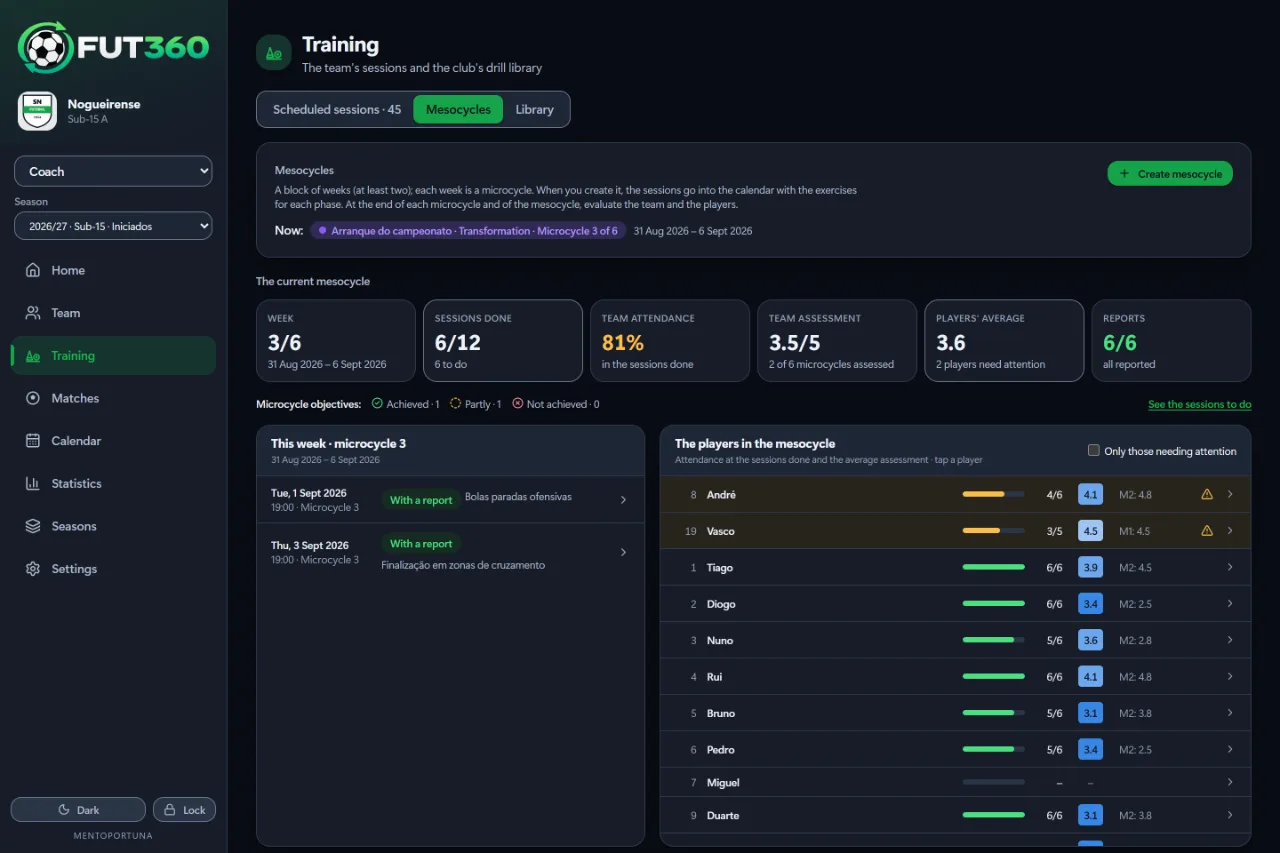
Where you are in the current mesocycle: the week, sessions done, attendance and reviews.
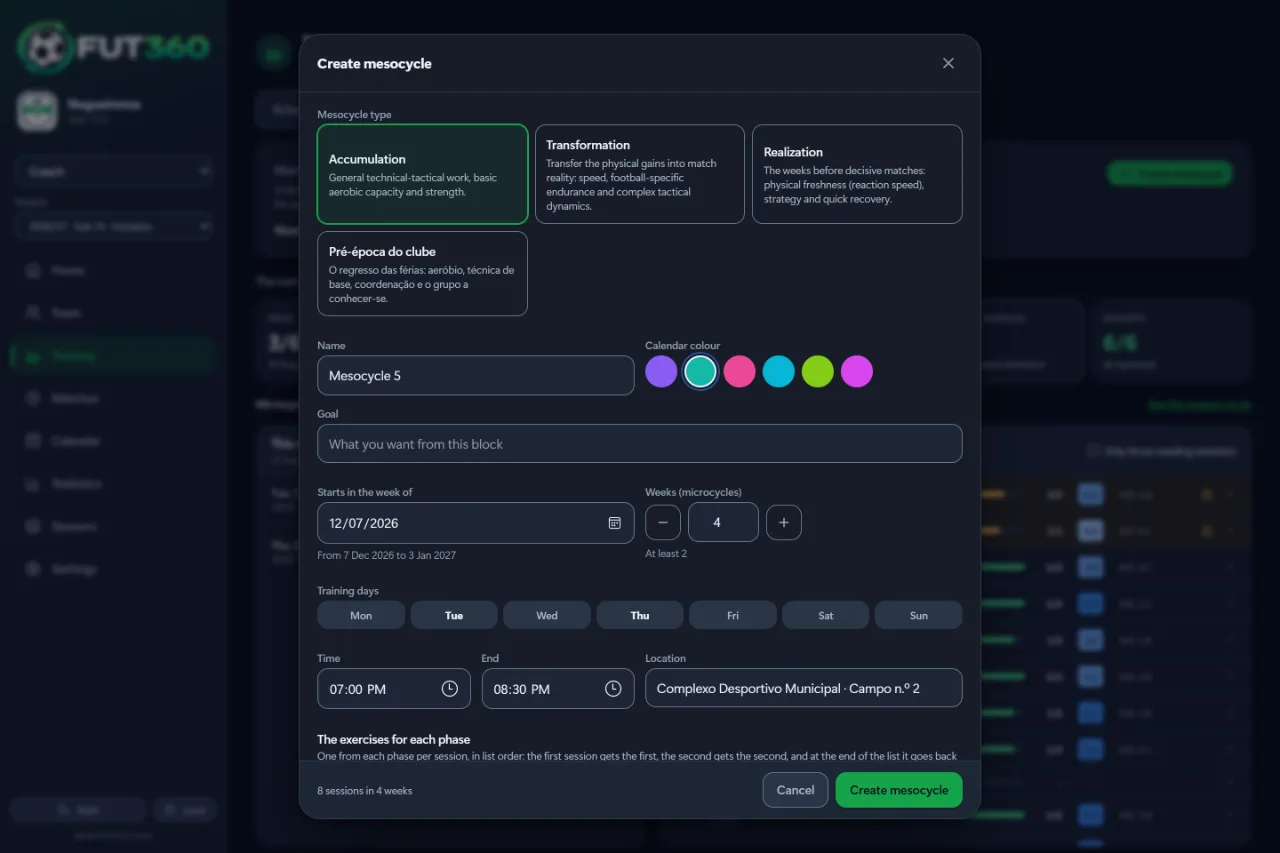
Pick the type, weeks and days, and the sessions are scheduled for you.
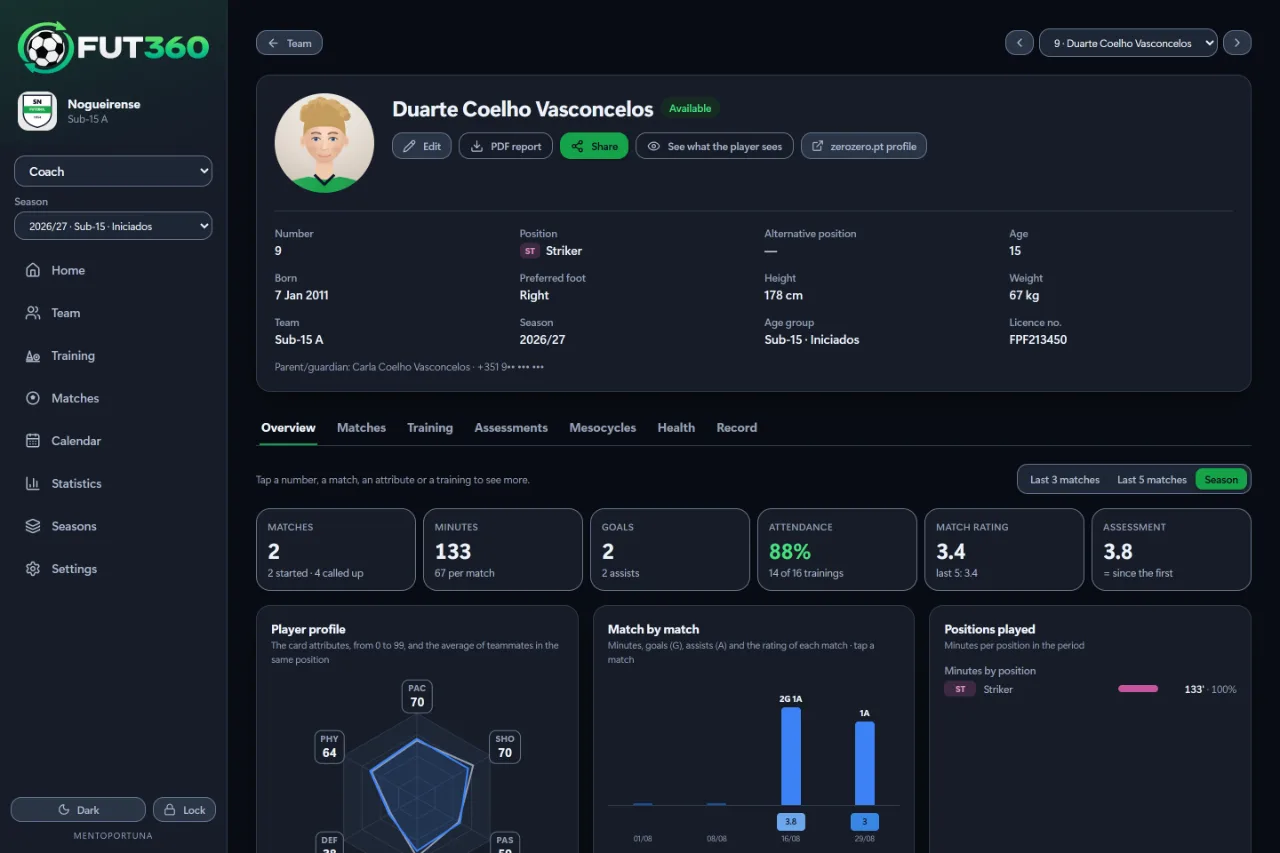
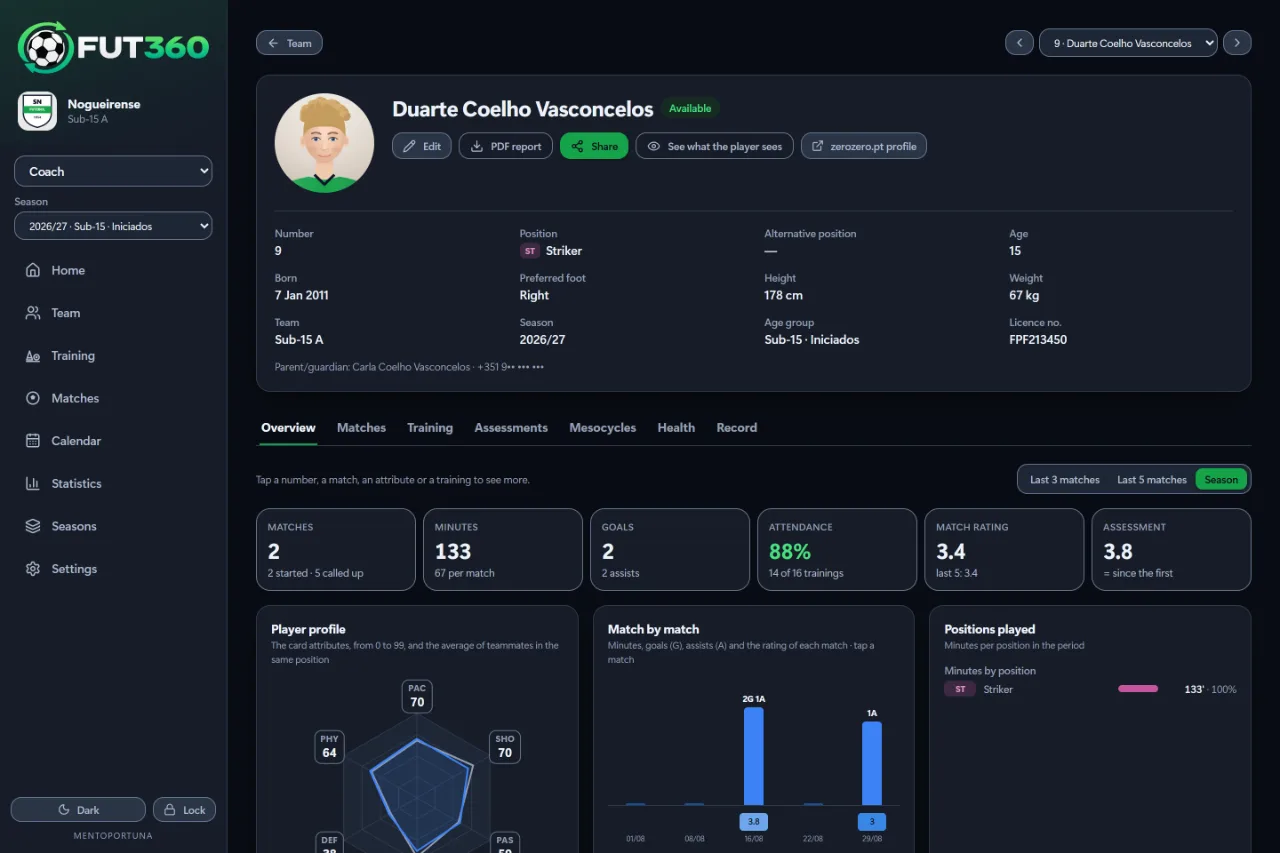
Attendance, minutes, game time and assessments for each player.
Dated comments from the staff to each player, either shown in the portal or kept for the staff.
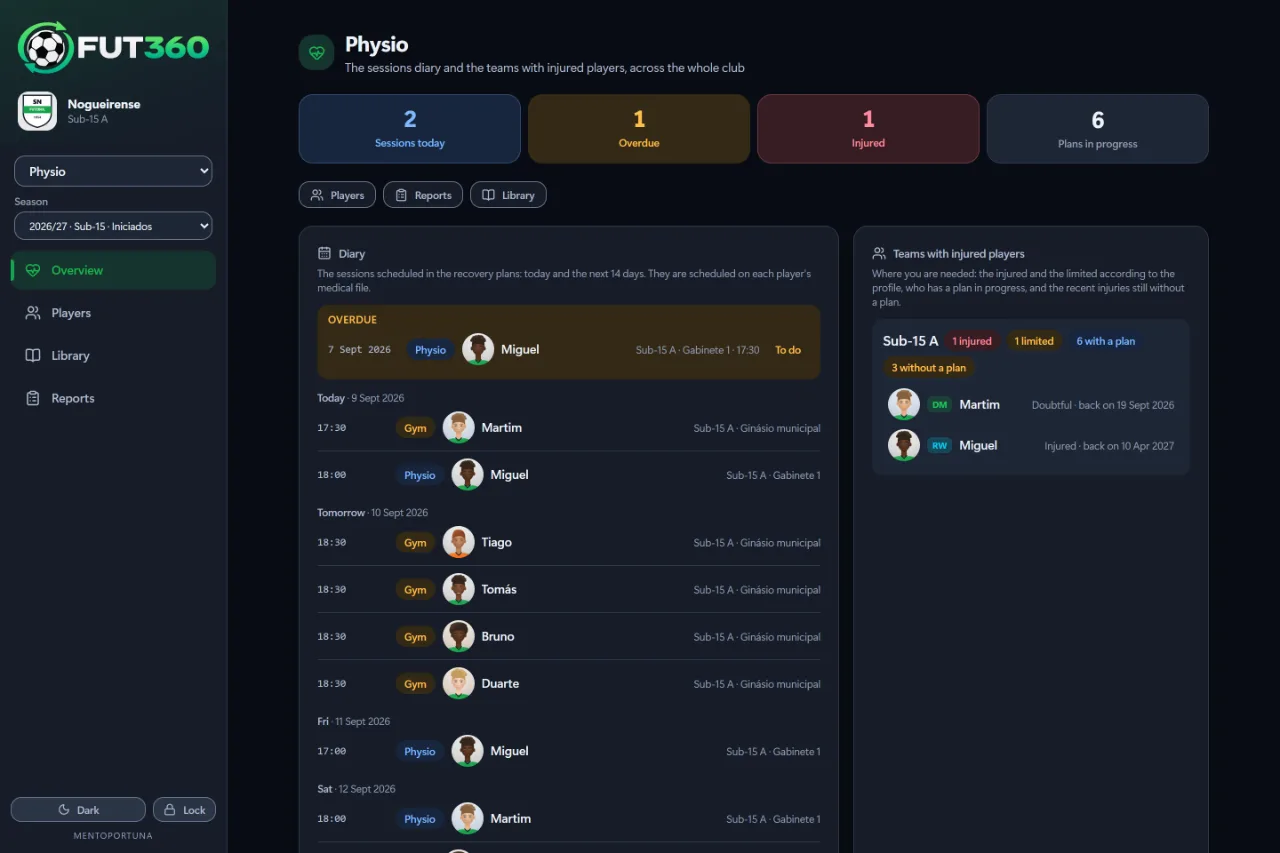
Appointments and teams with injured players, across the whole club.
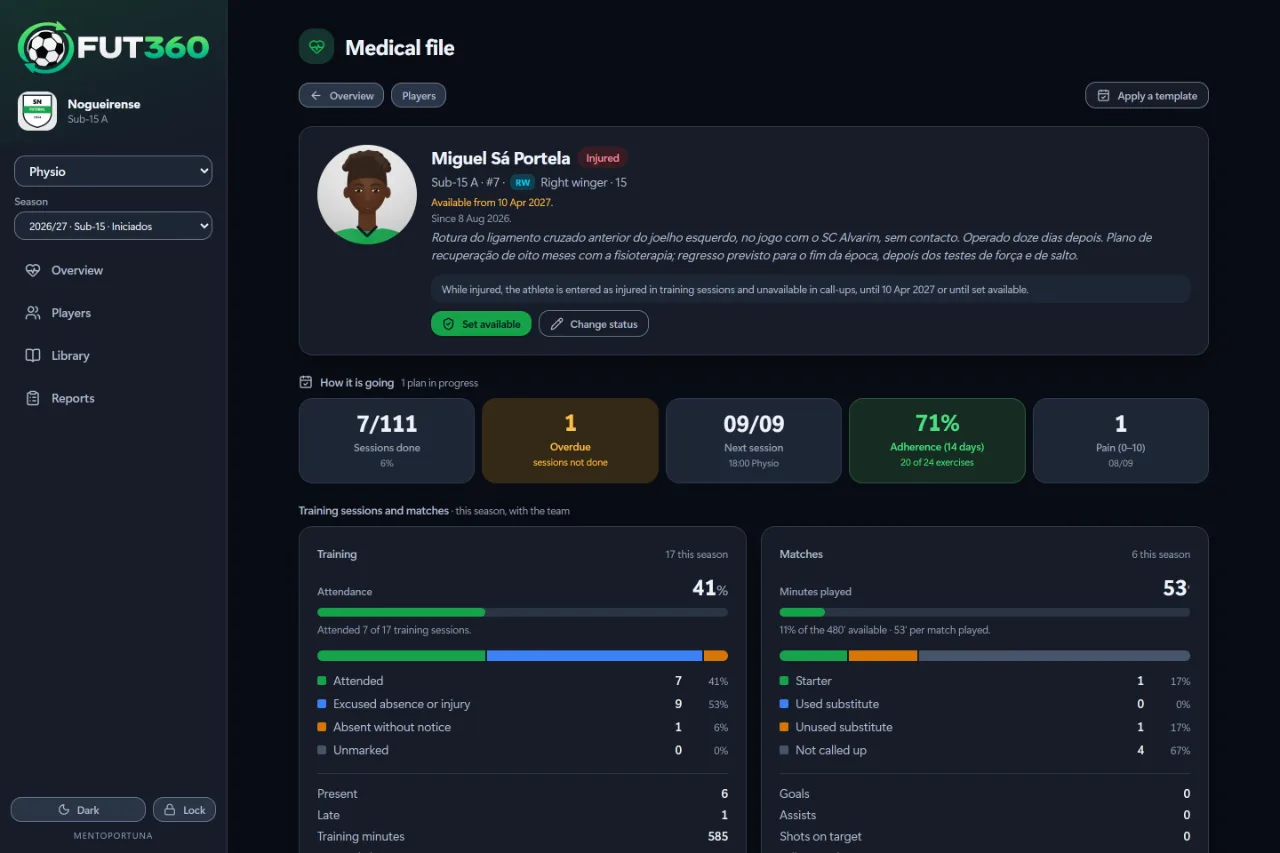
Availability, recovery progress and the season’s training and matches.
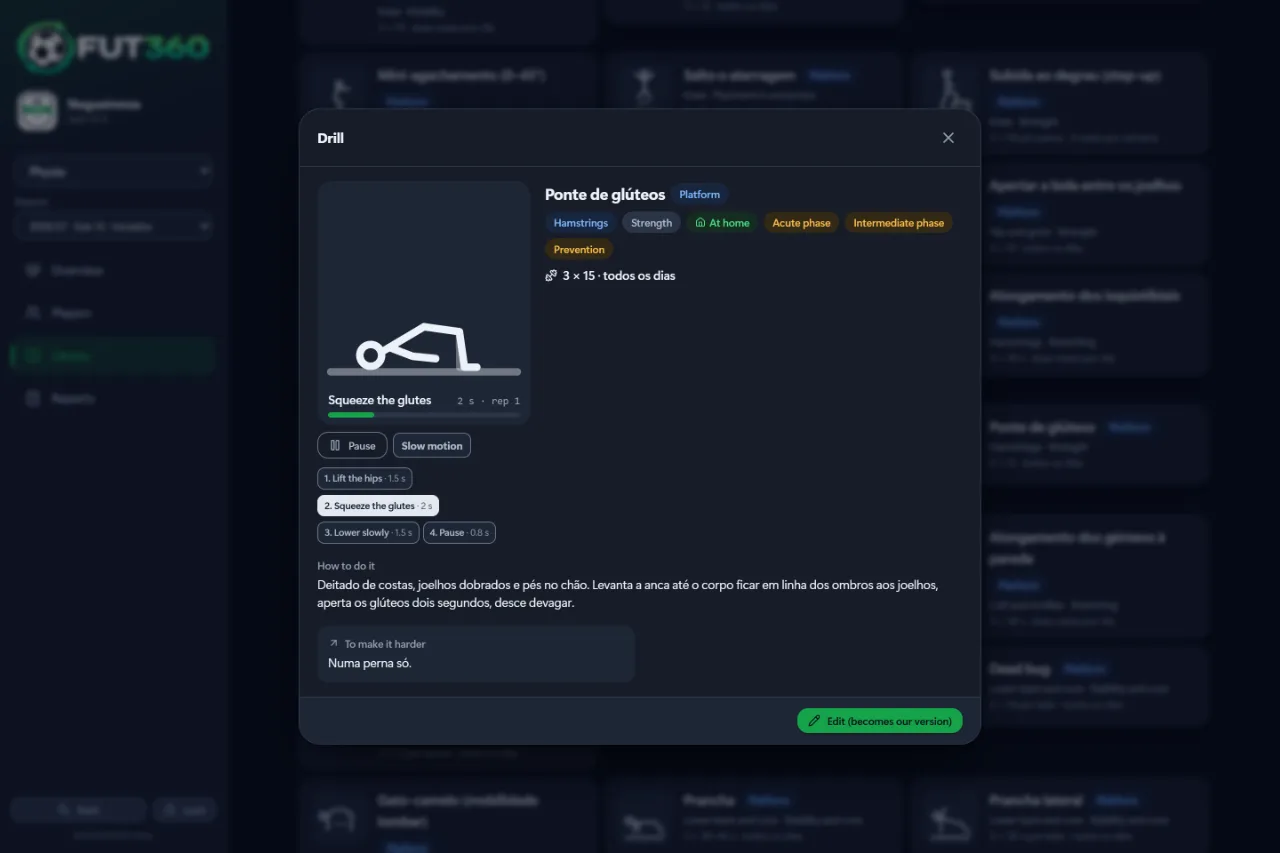
Each exercise animated at the prescribed tempo, with the step, the seconds and slow motion.
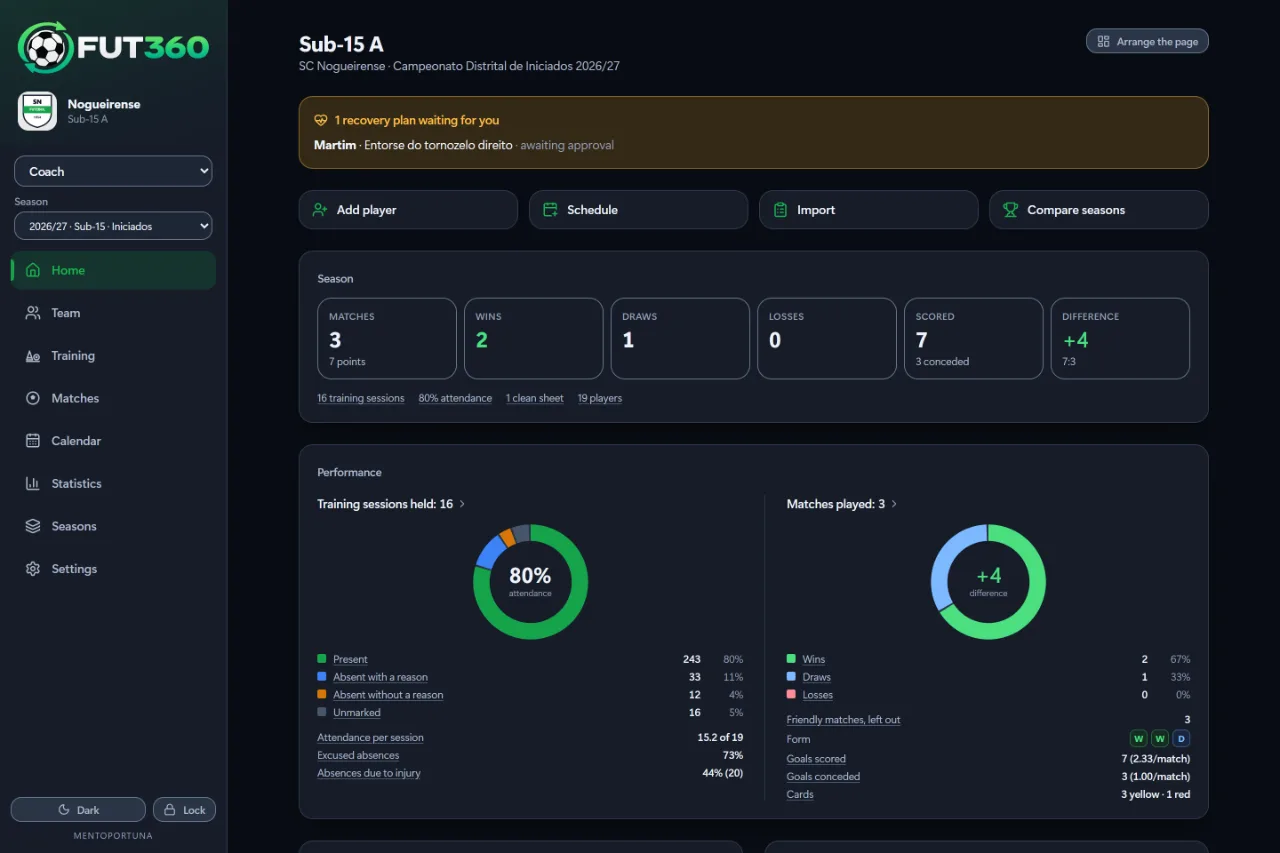
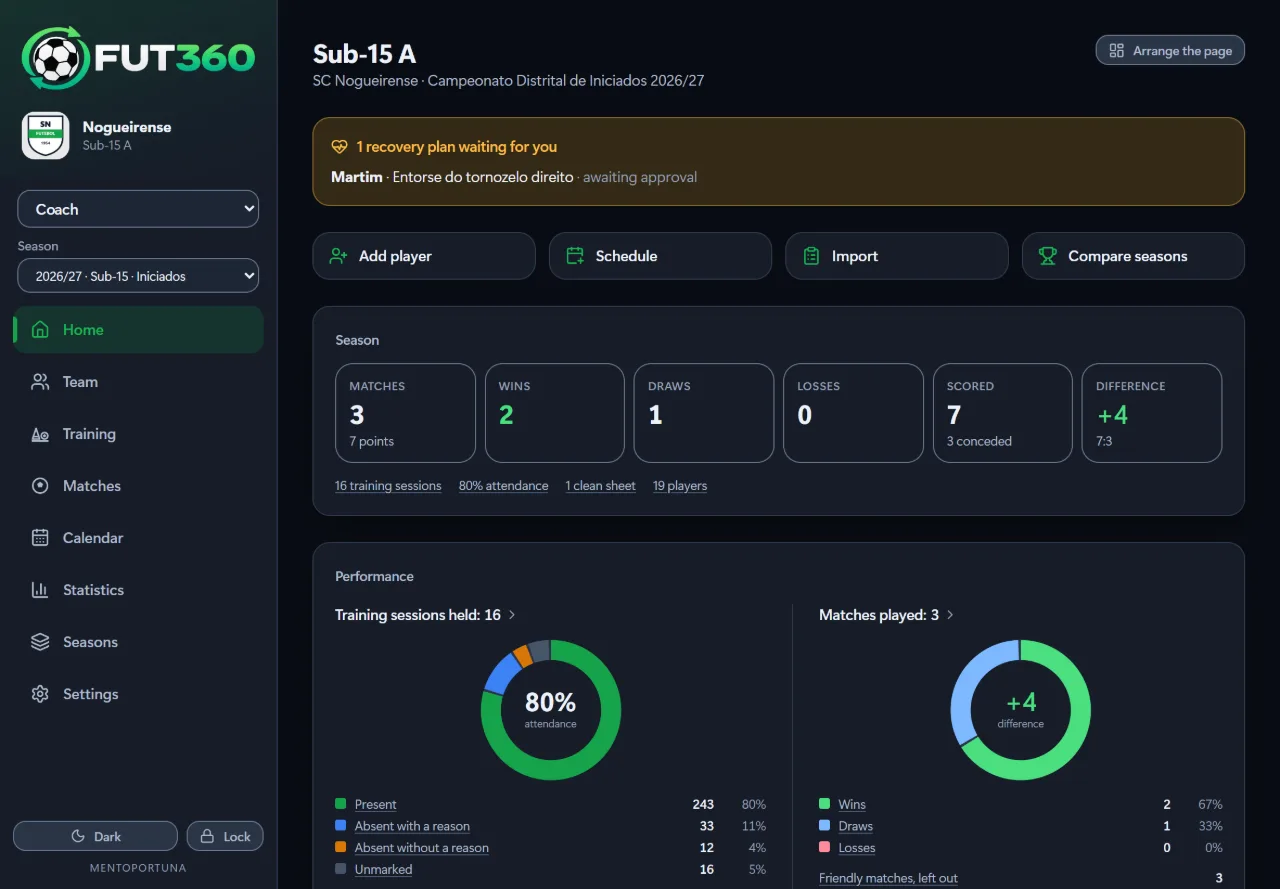
Results, attendance and form for the season so far.
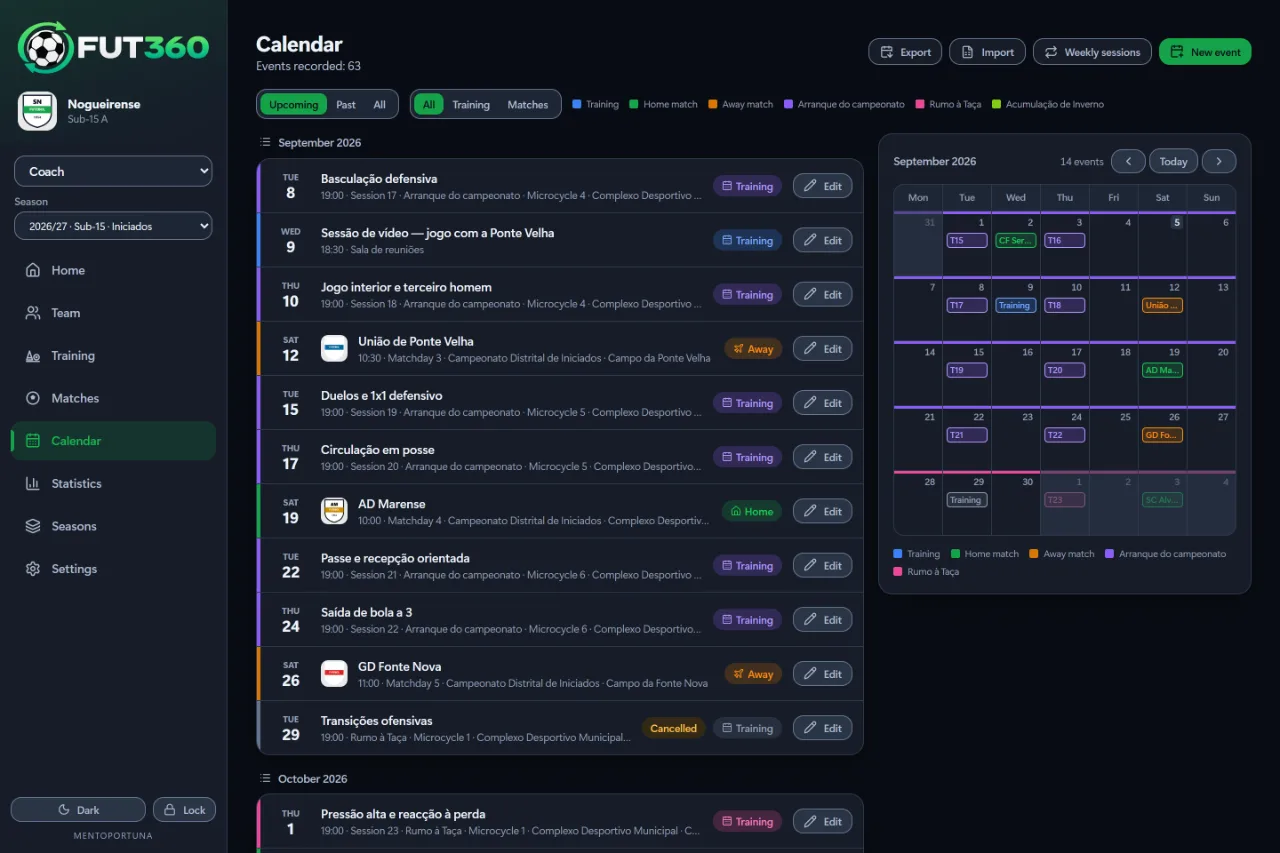
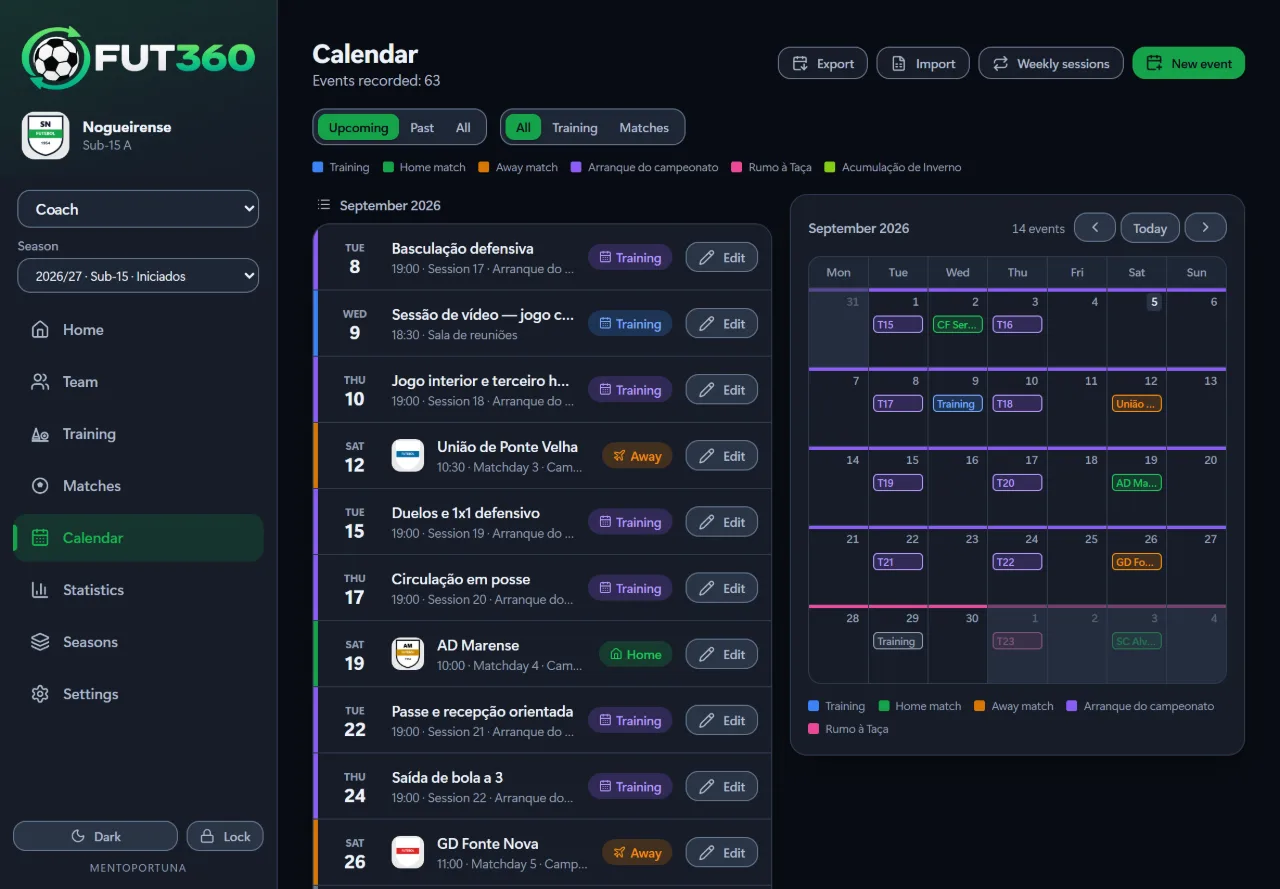
List and month side by side, with a colour for each kind of event.
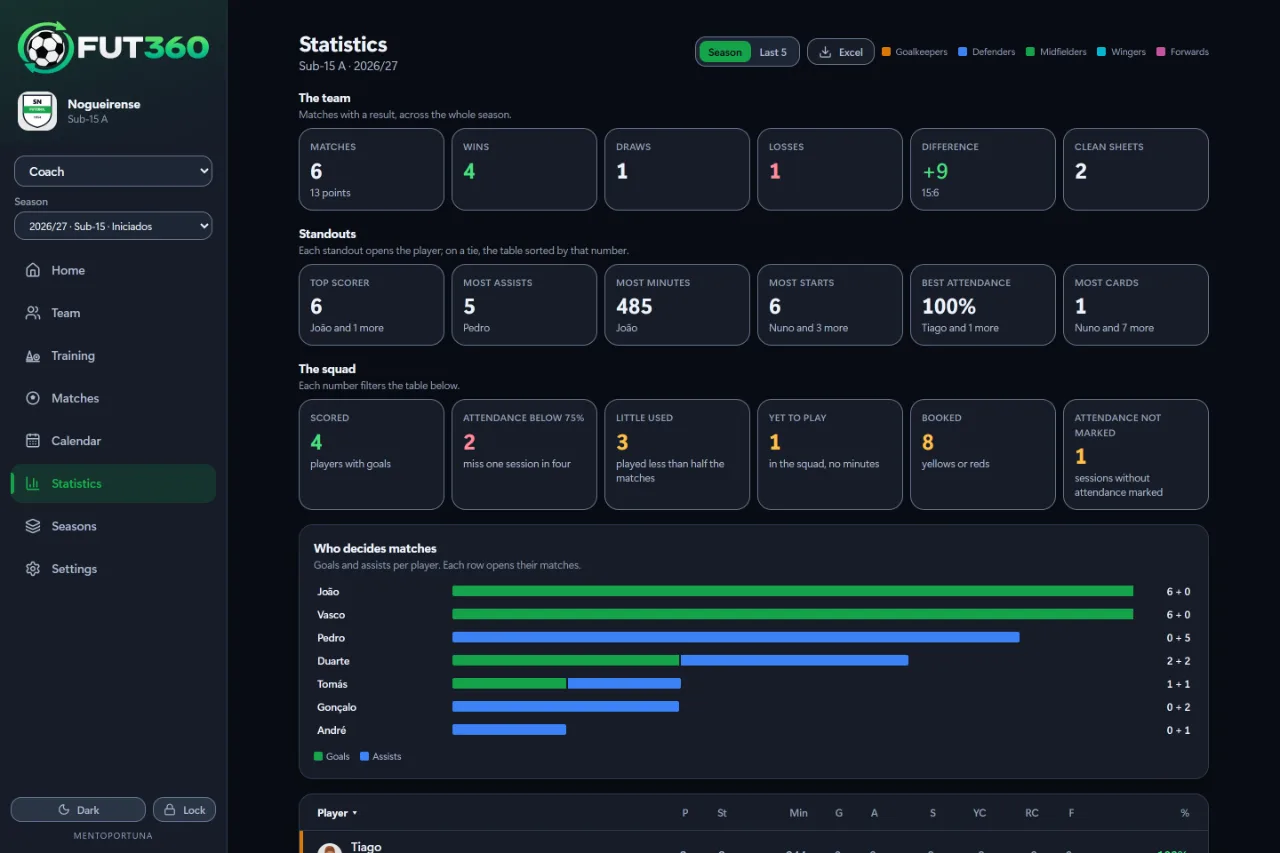
Sorted by position, and the colours actually mean something.
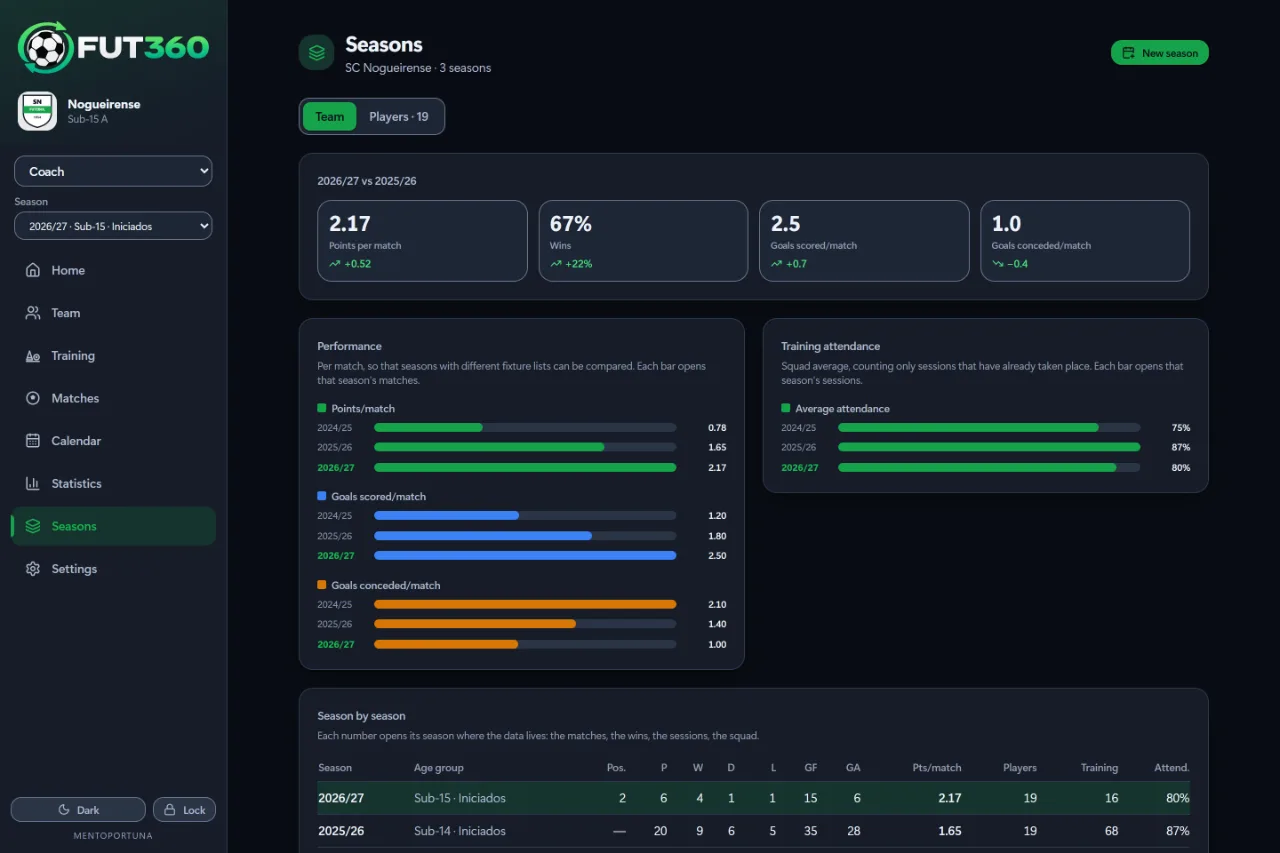
Seasons compared per game.
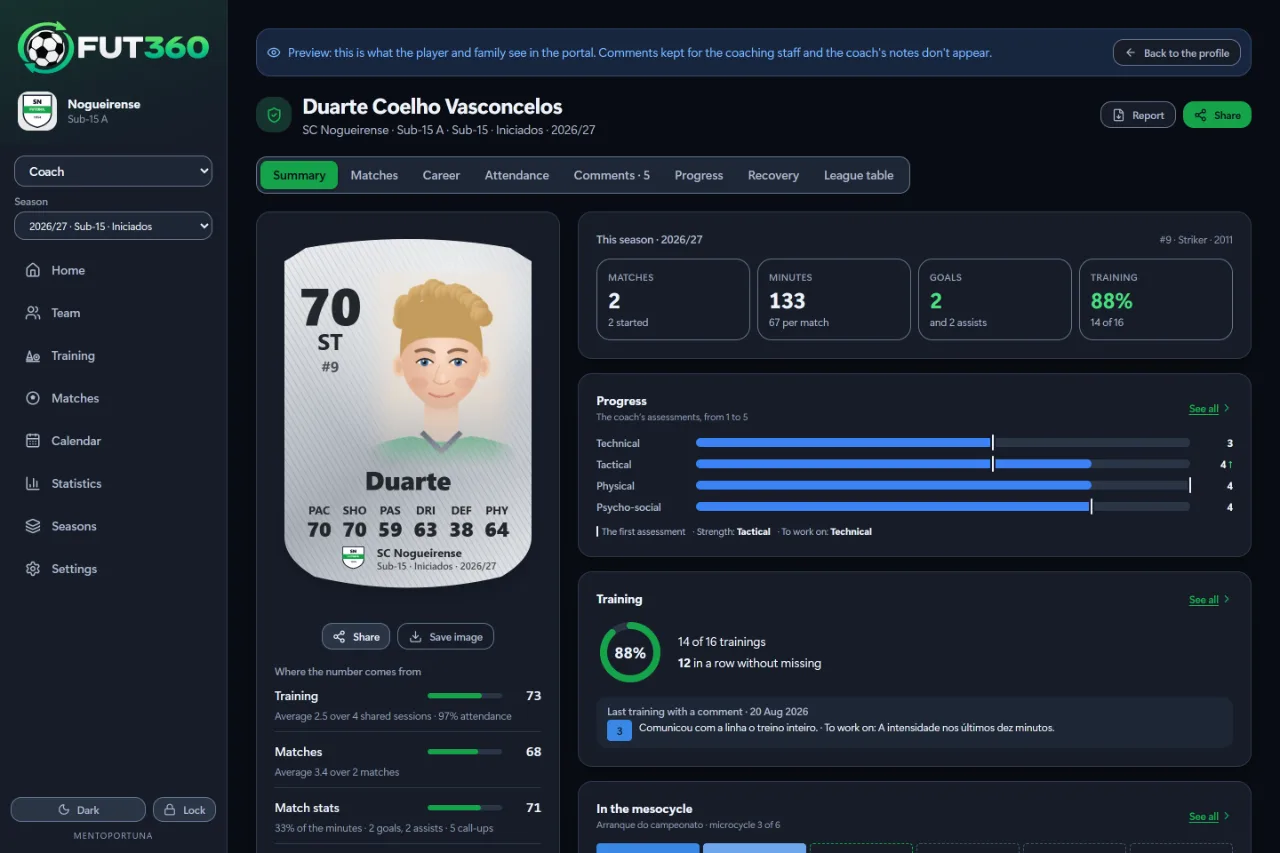
What the player and family see: the player card, the season in numbers, progress, training and the mesocycle.
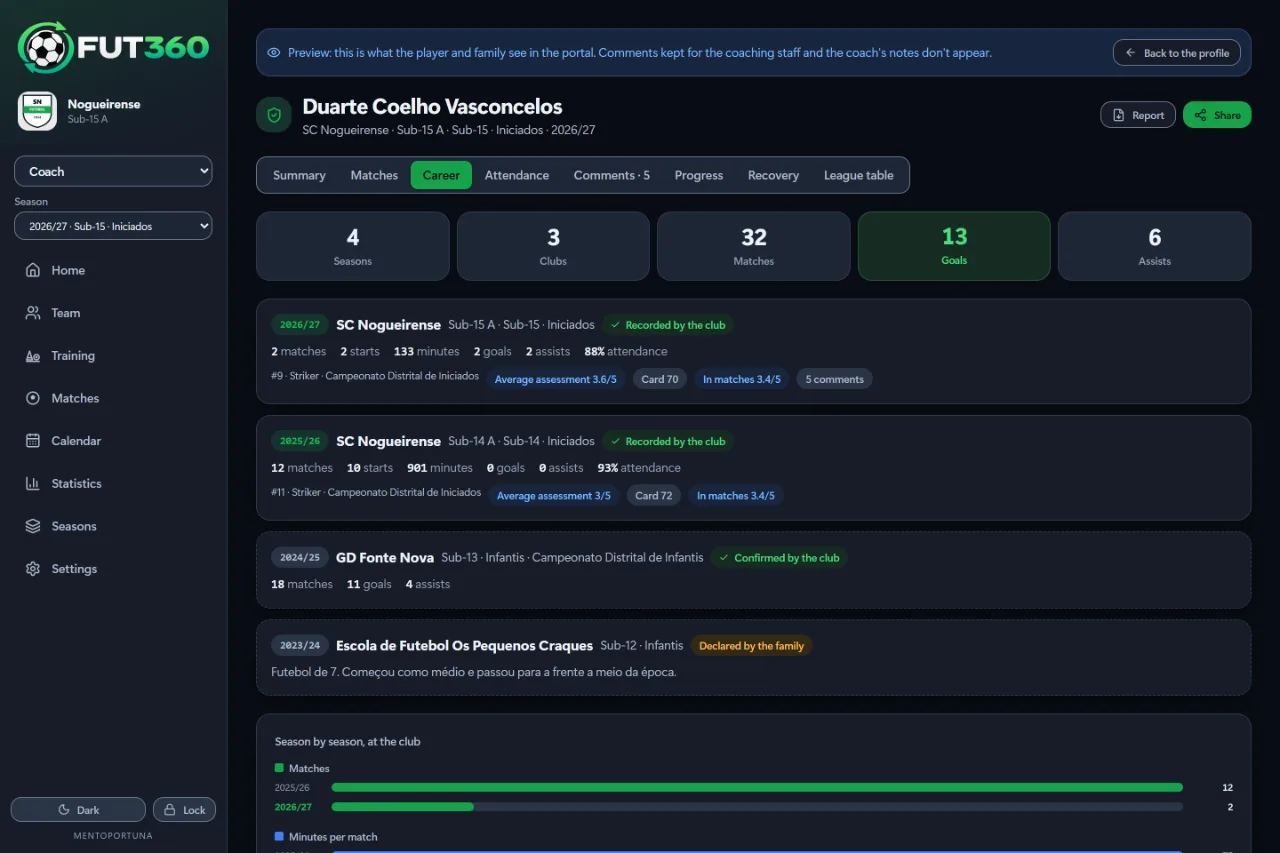
Every season, at this club and at others, with the numbers for each.
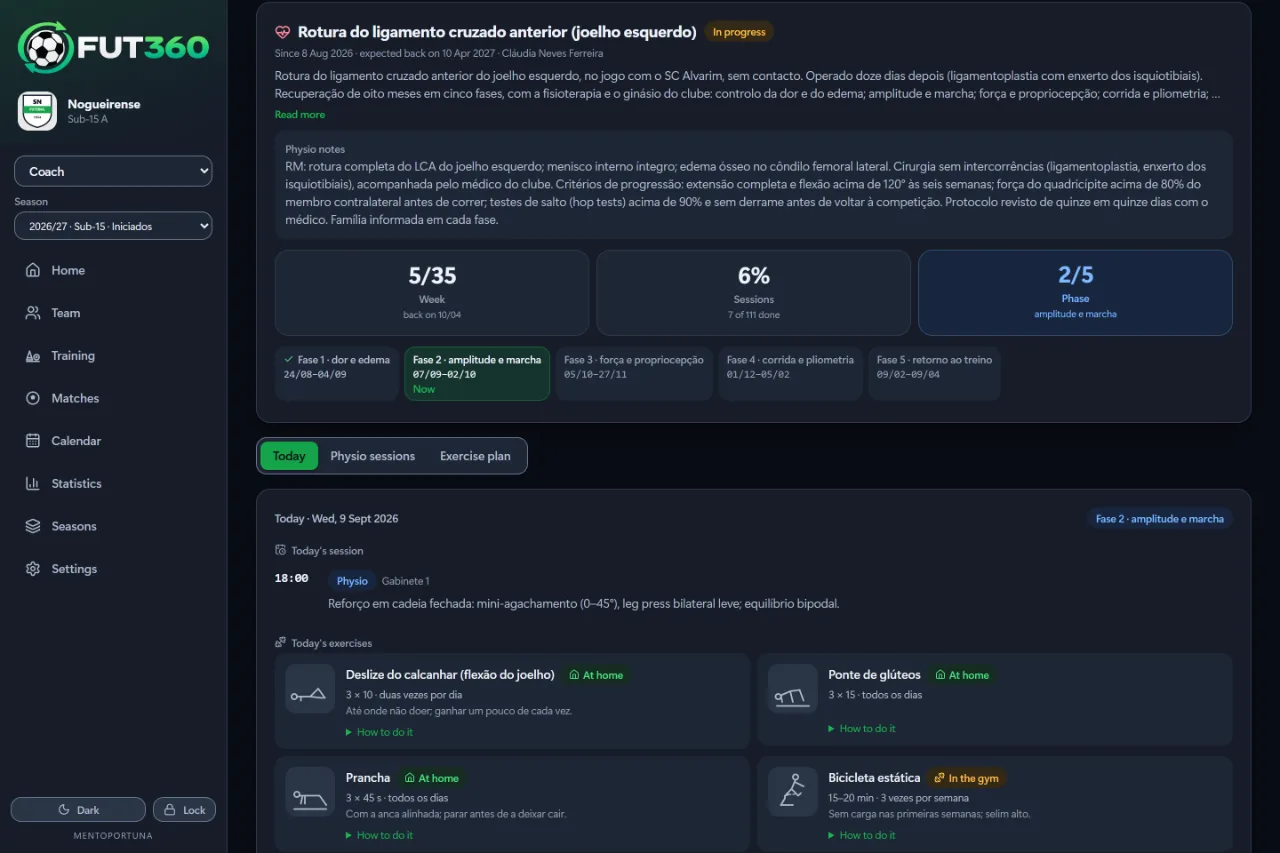
The plan, then today’s session and exercises for the current phase.
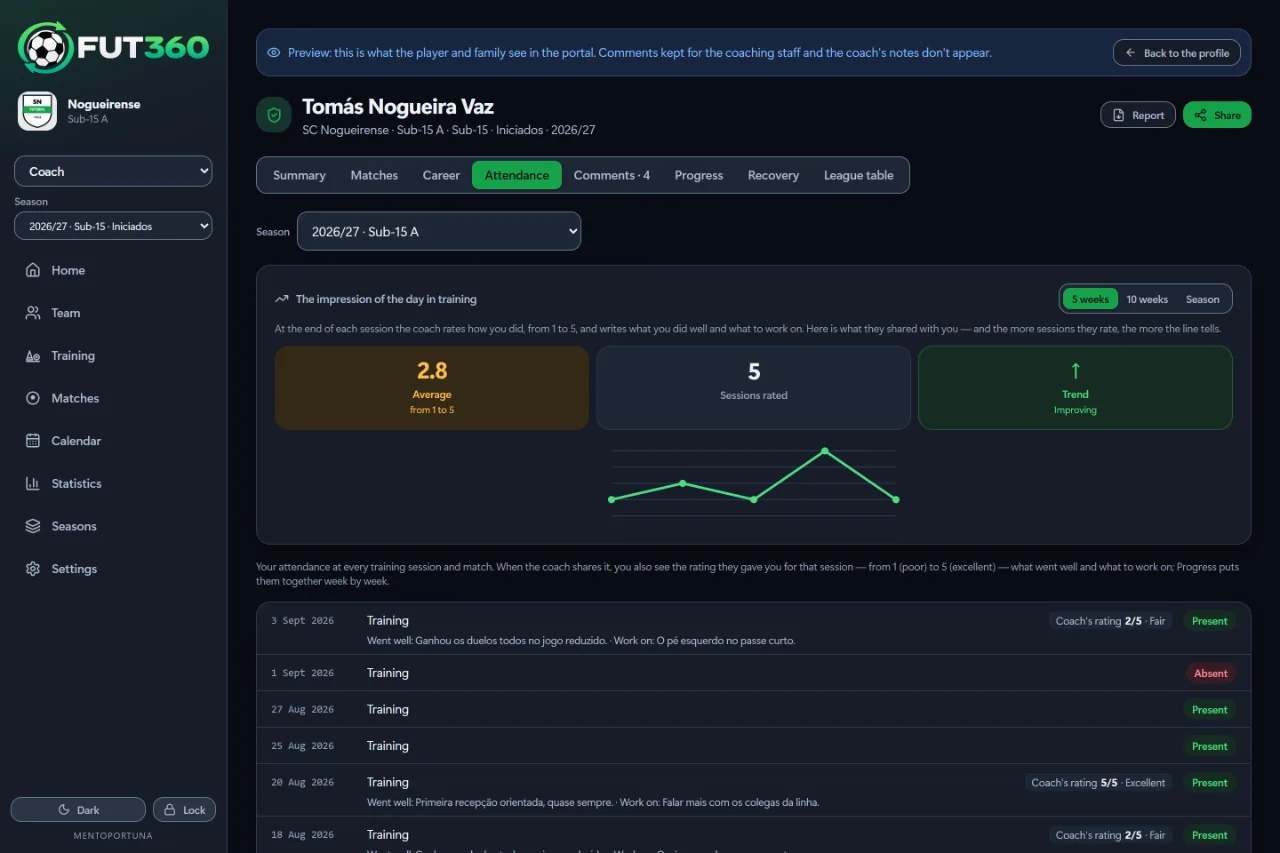
How training ratings have gone over time and, for each session, the coach’s rating and whatever they chose to share.
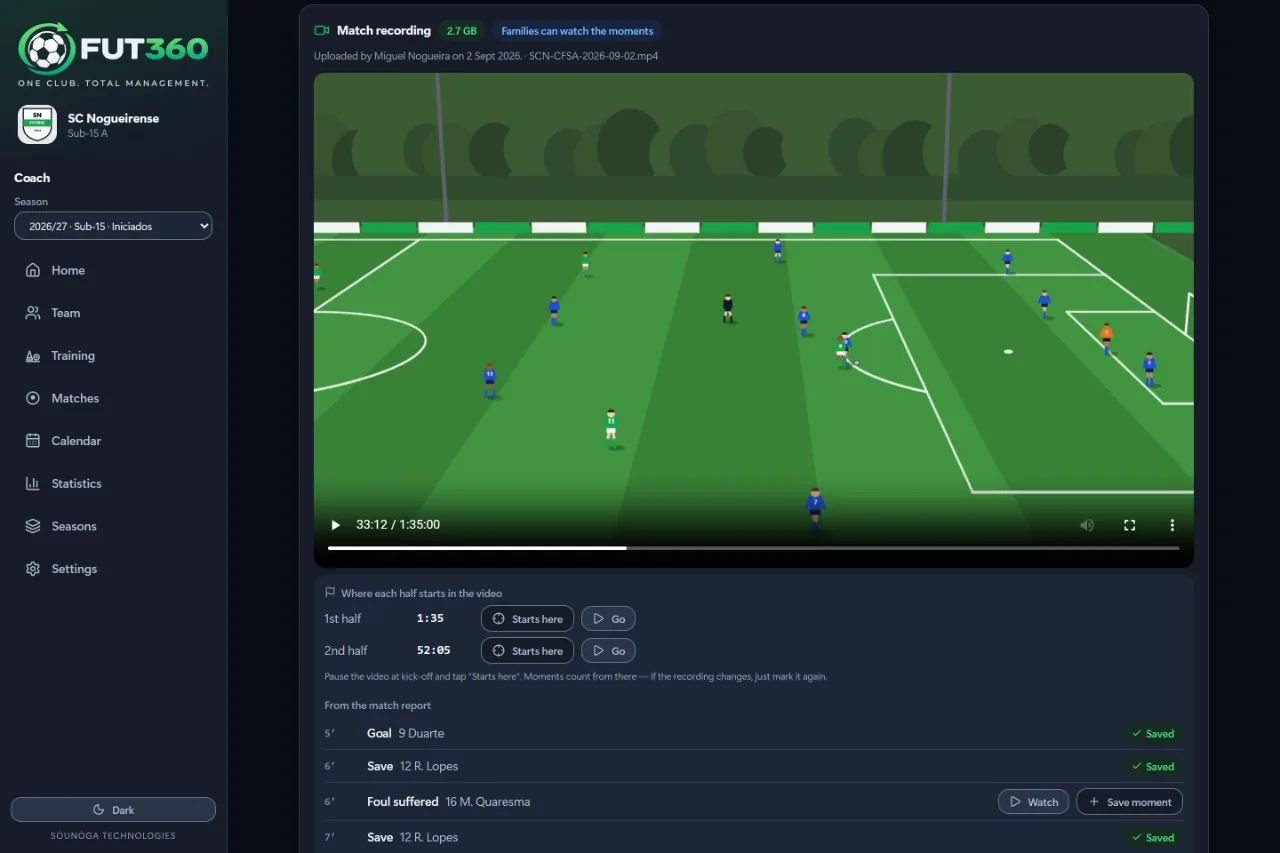
The video sits inside the match, from any camera, with the report’s events underneath.
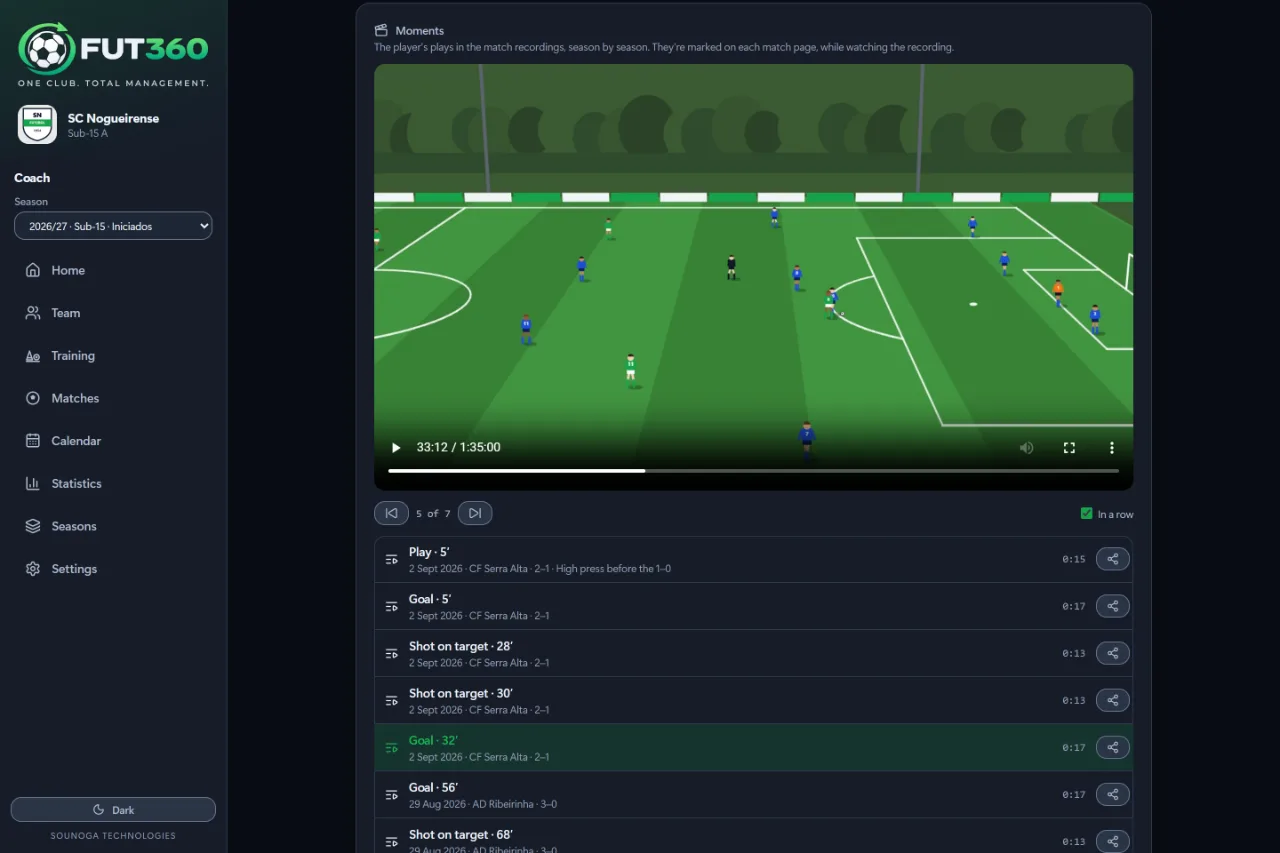
A player’s clips from recorded matches, to watch back to back or share.
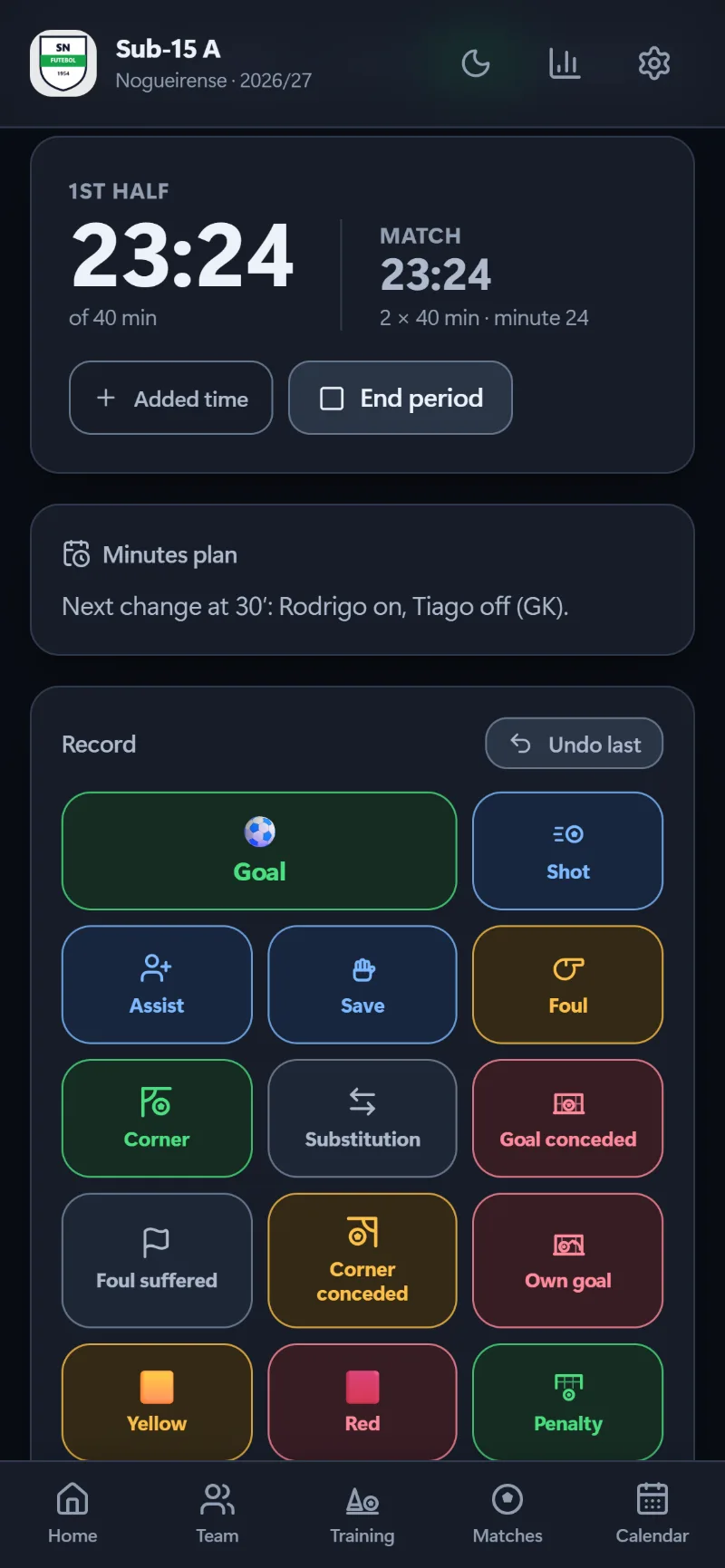
MatchesLogging a match live
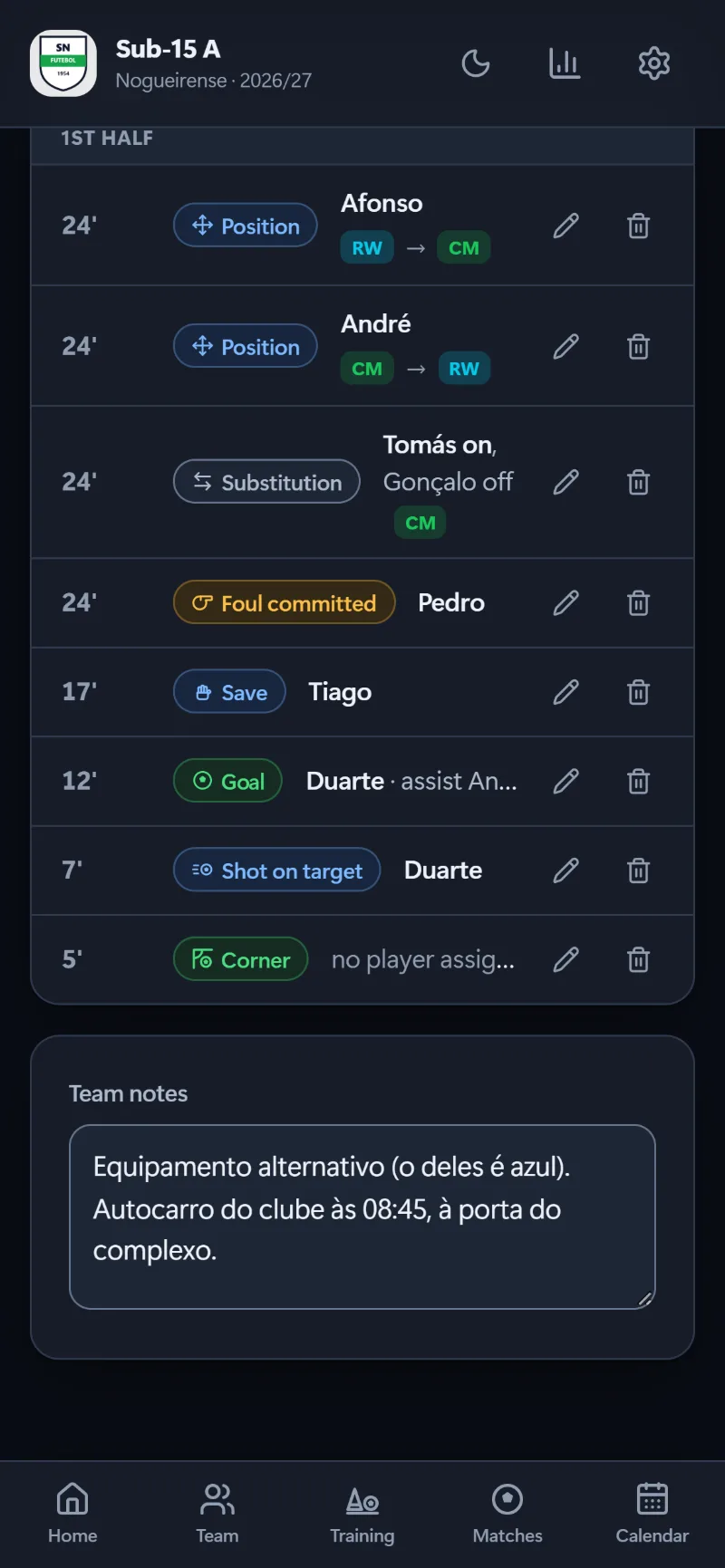
MatchesSubstitutions and positions on the timeline
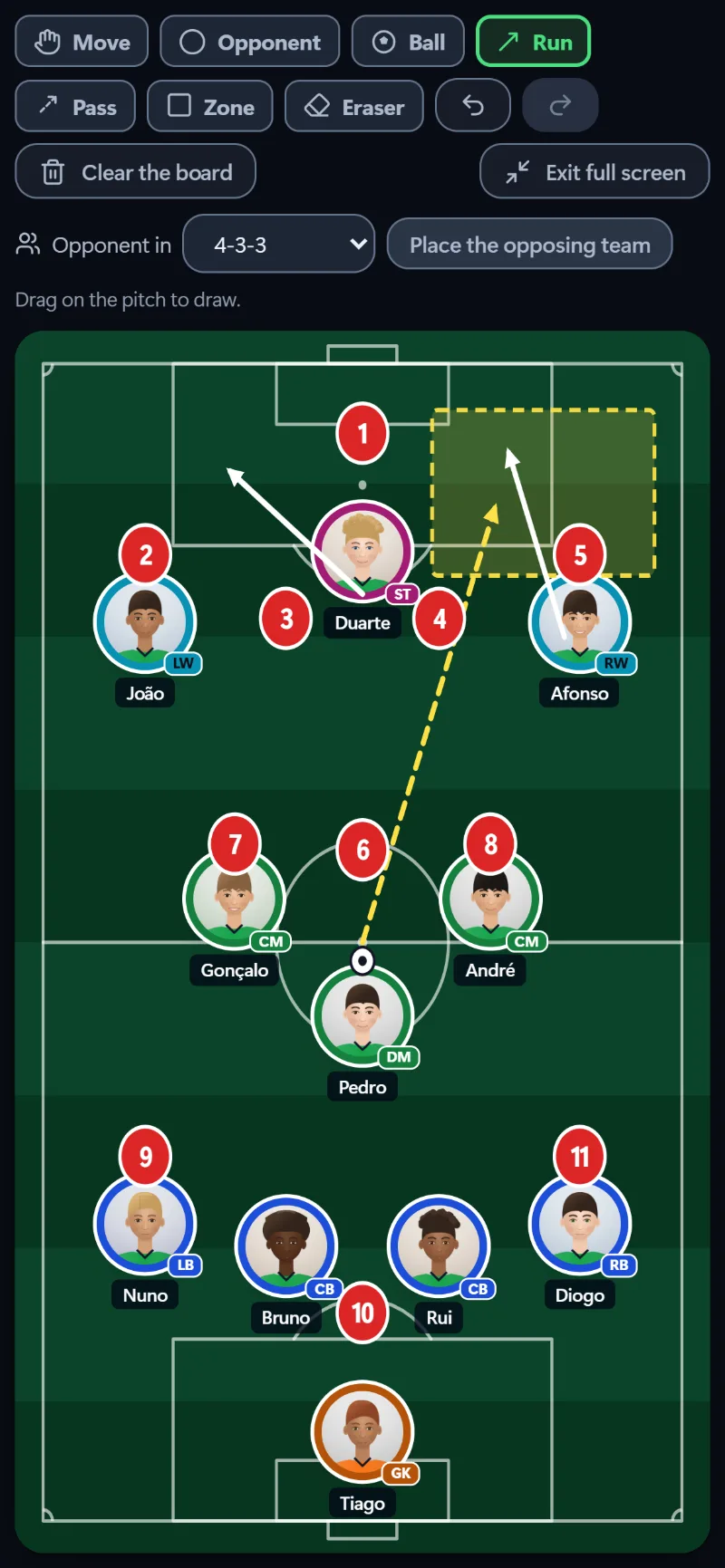
MatchesTactics board, full screen
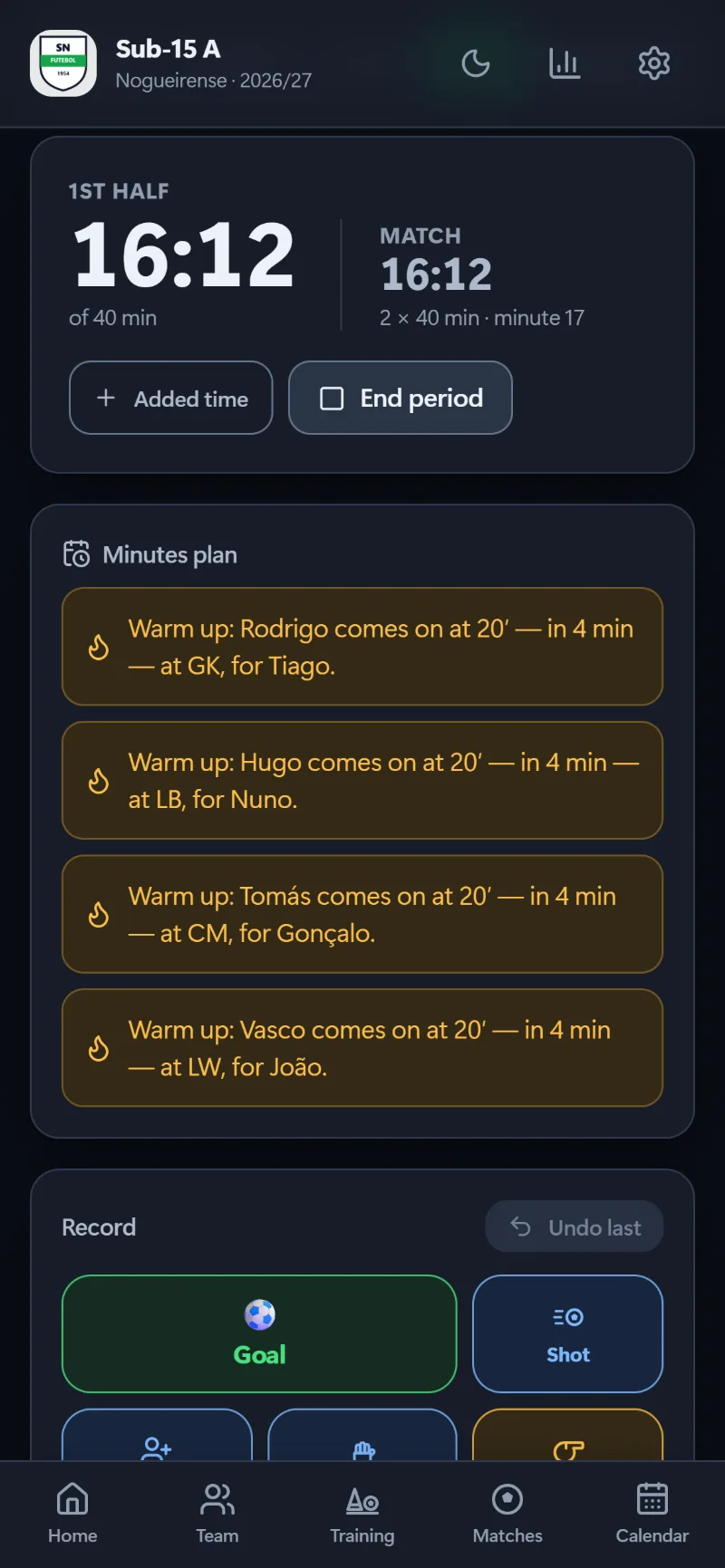
MatchesWarm-up reminder
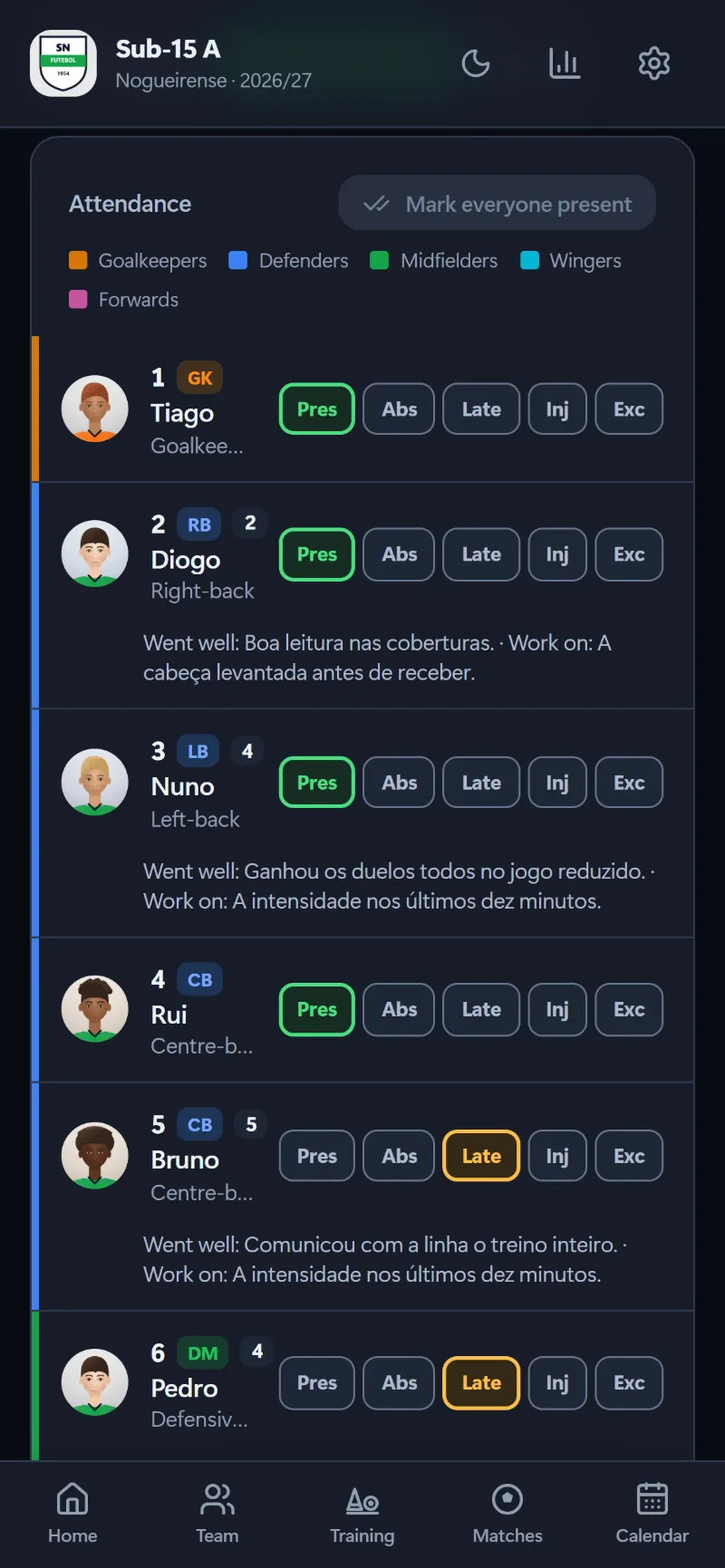
TrainingTaking attendance
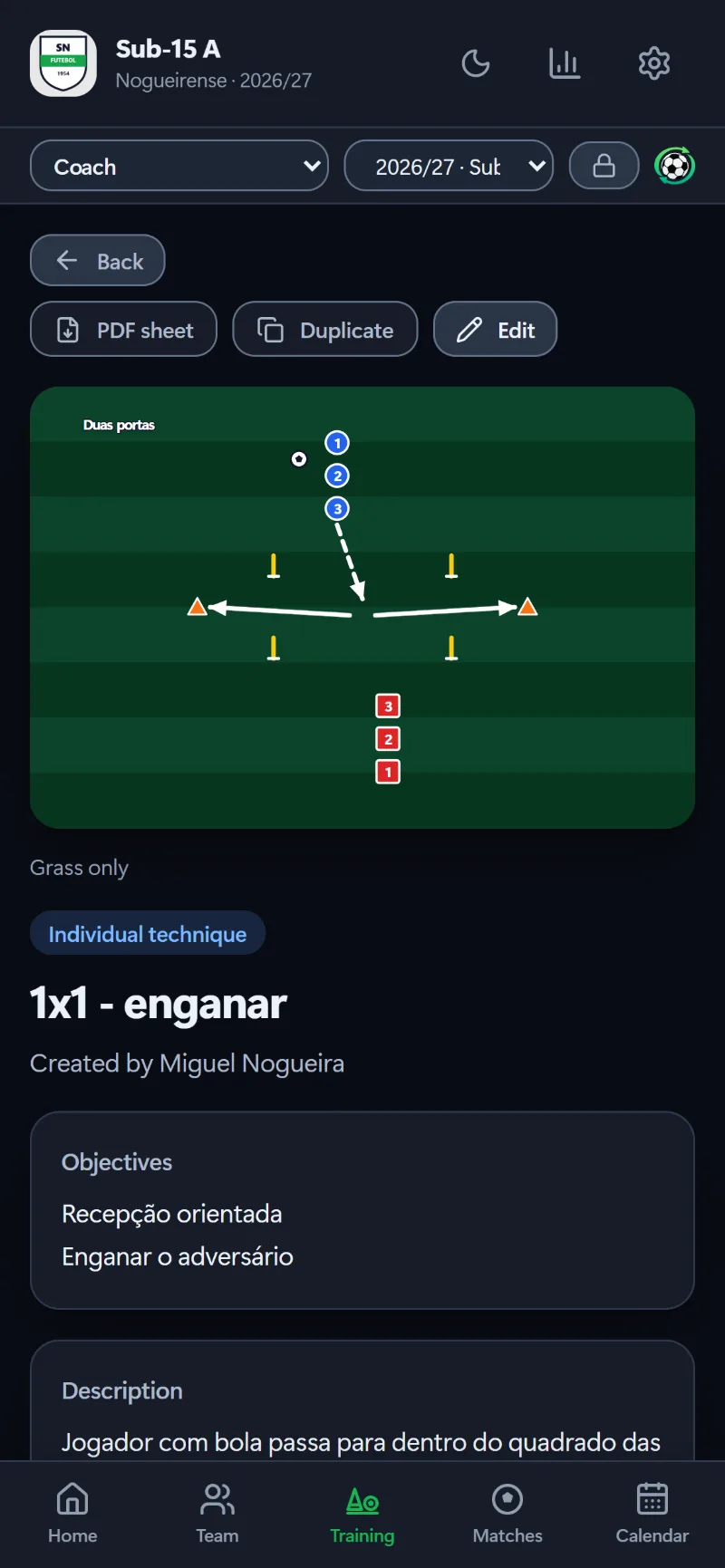
TrainingA drill from the library
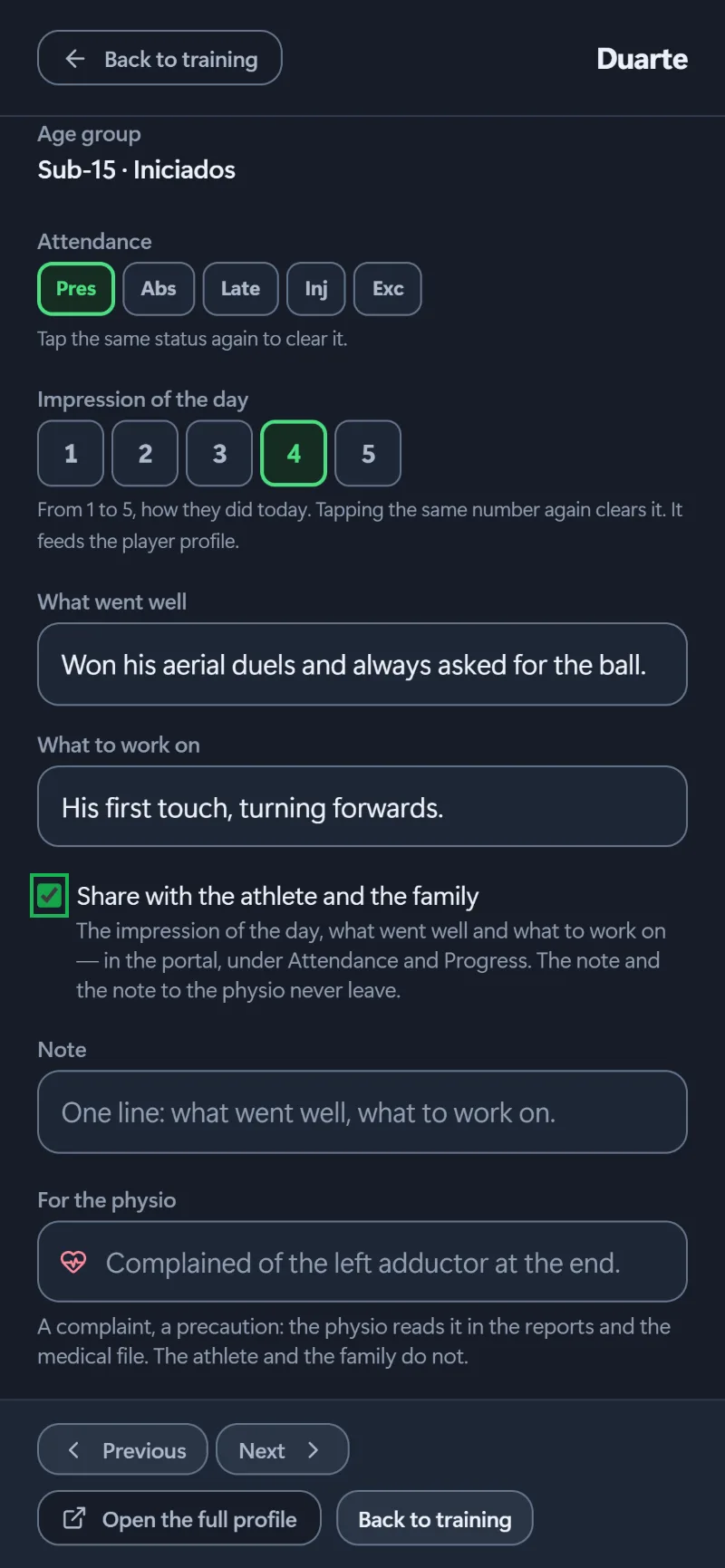
TrainingPlayer sheet in training
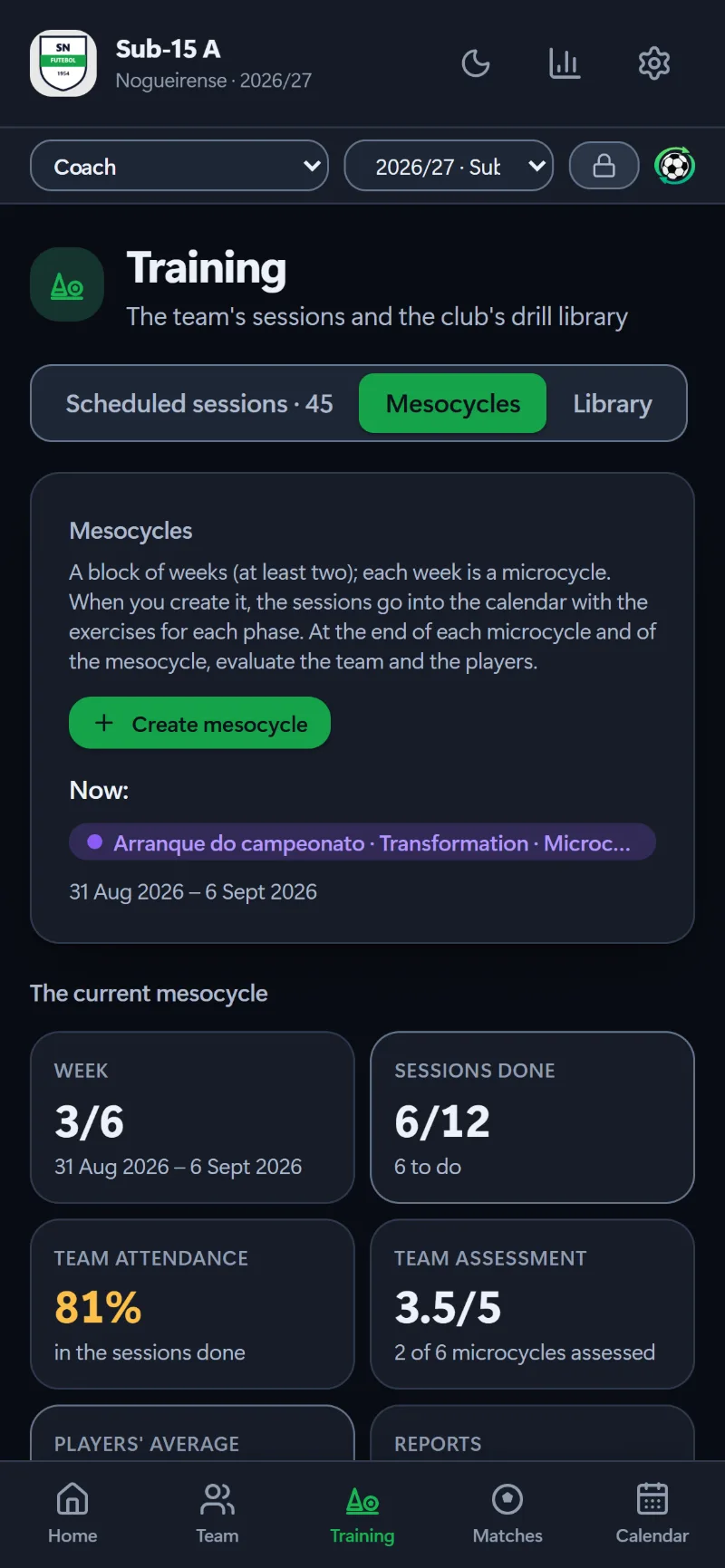
TrainingCurrent mesocycle
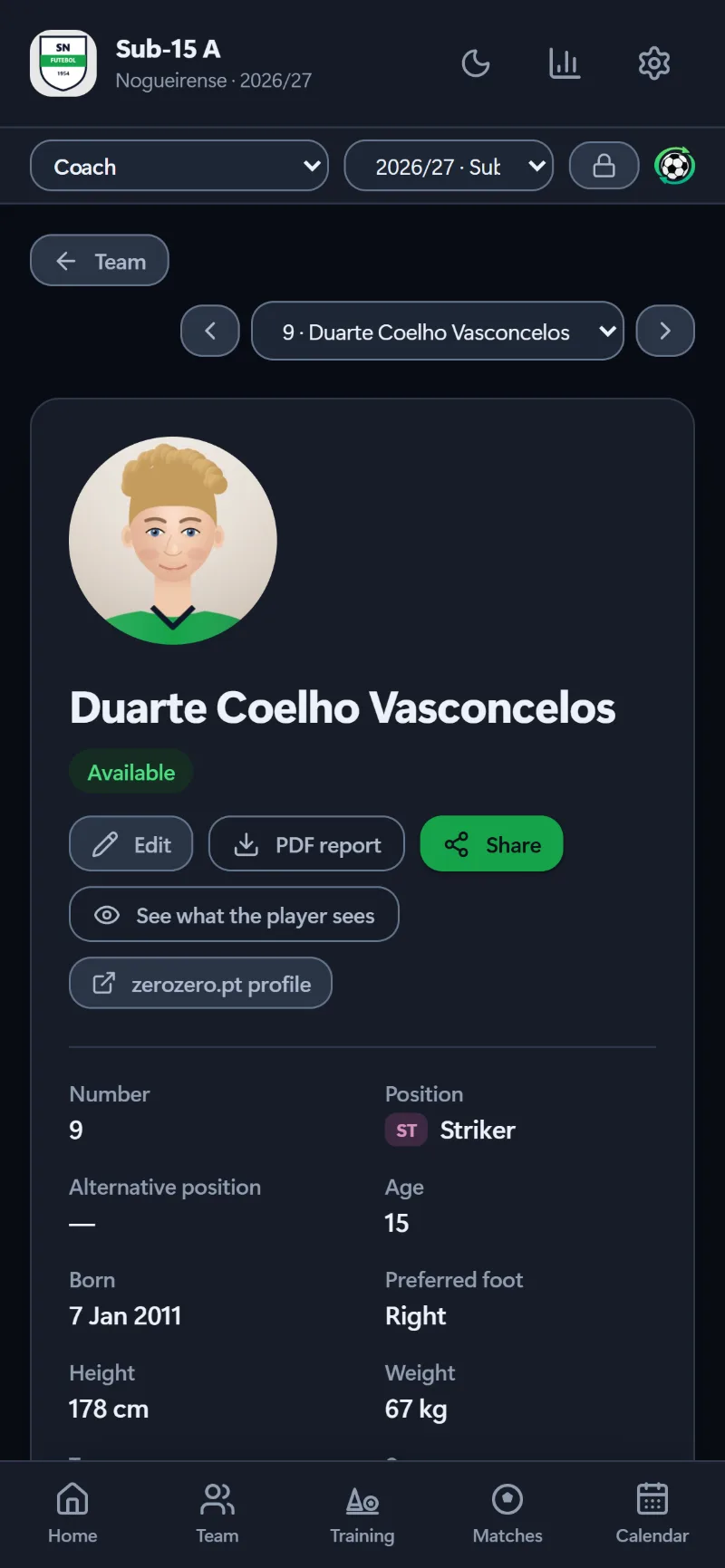
PlayersPlayer profile
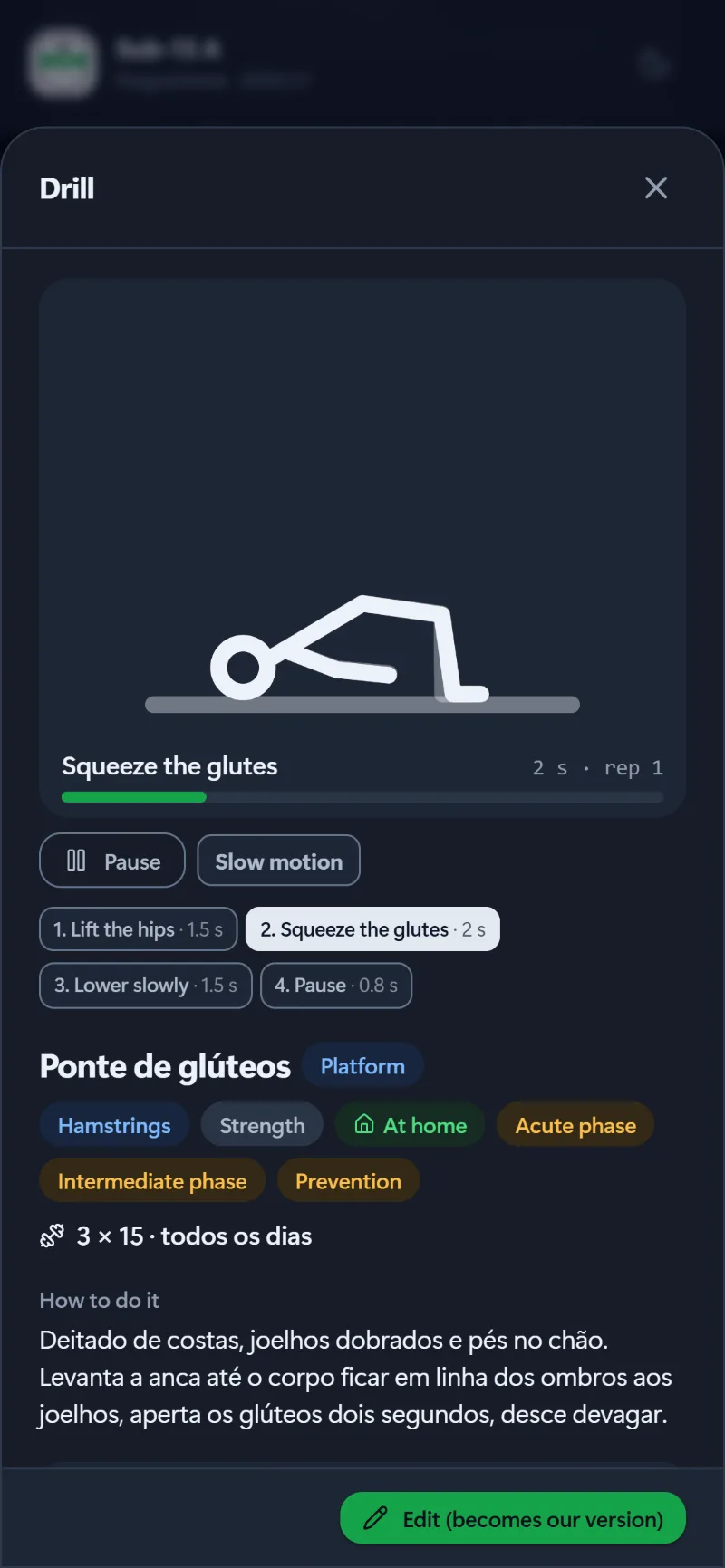
PhysioAnimated recovery exercise
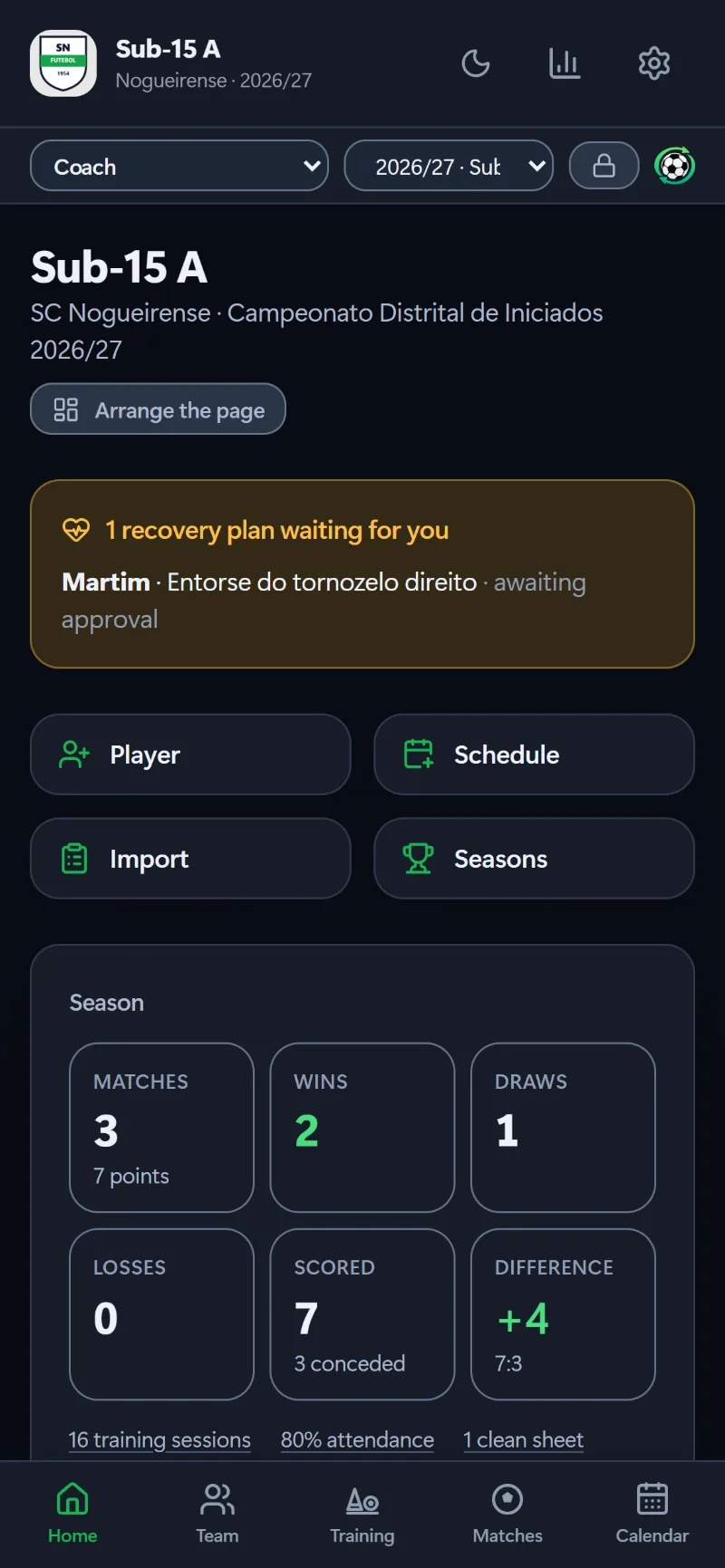
SeasonThe season so far
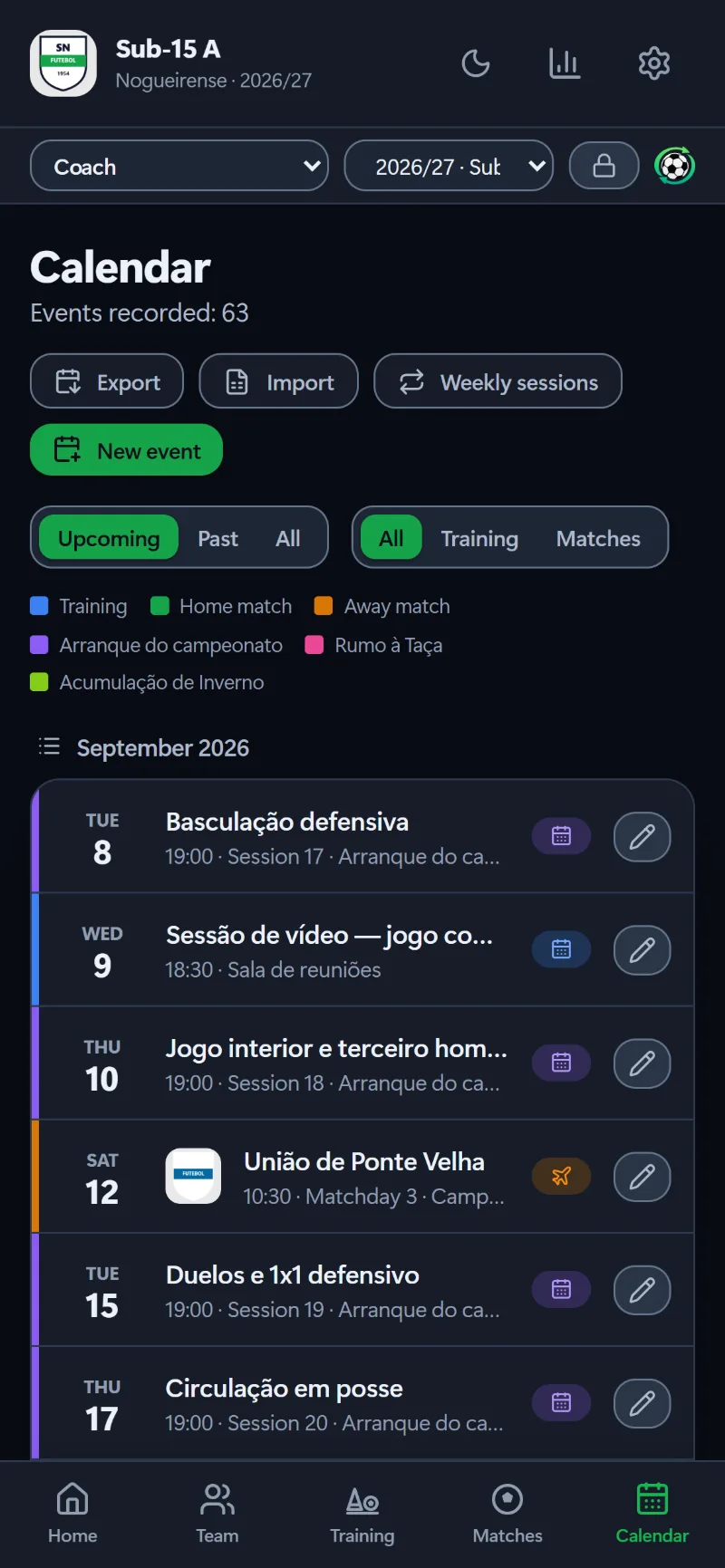
SeasonTeam calendar
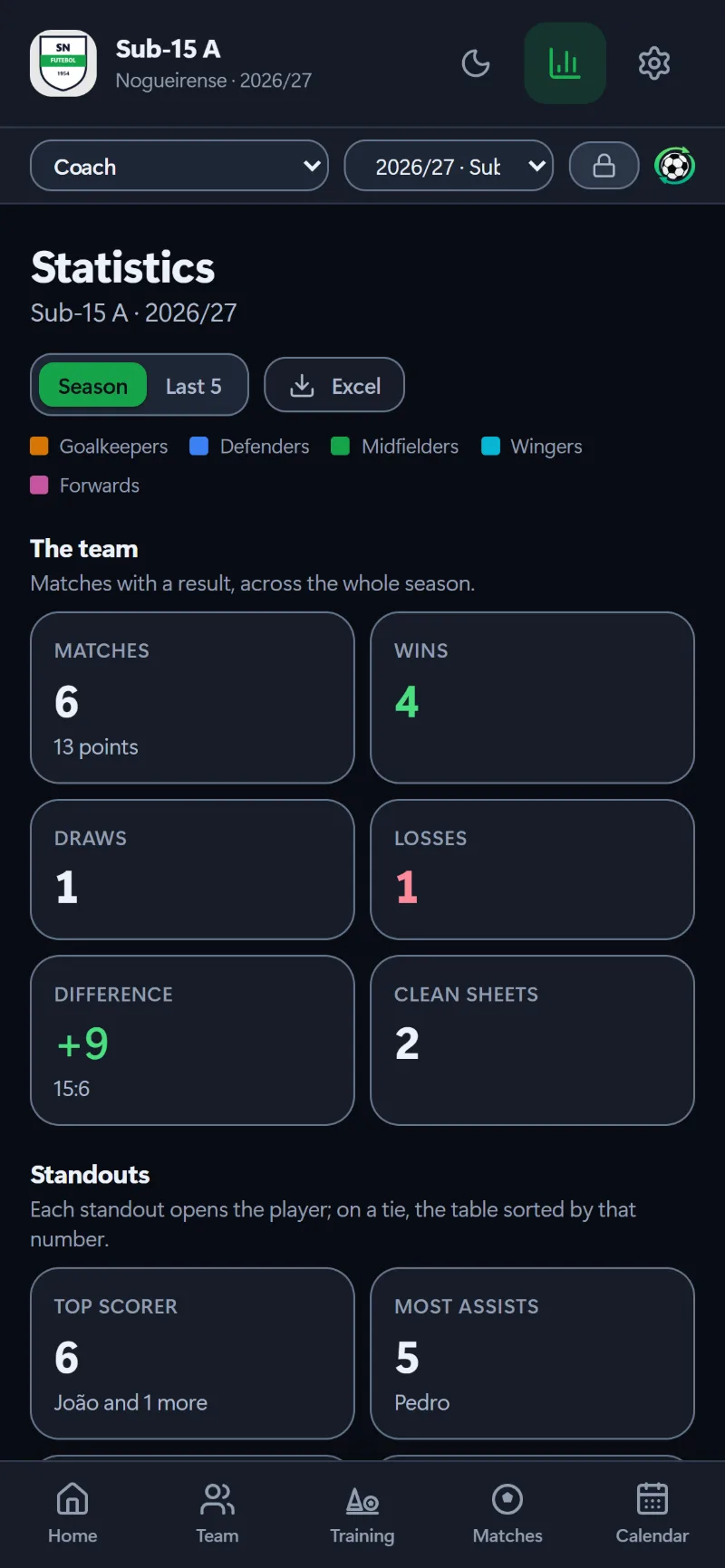
SeasonPlayer statistics
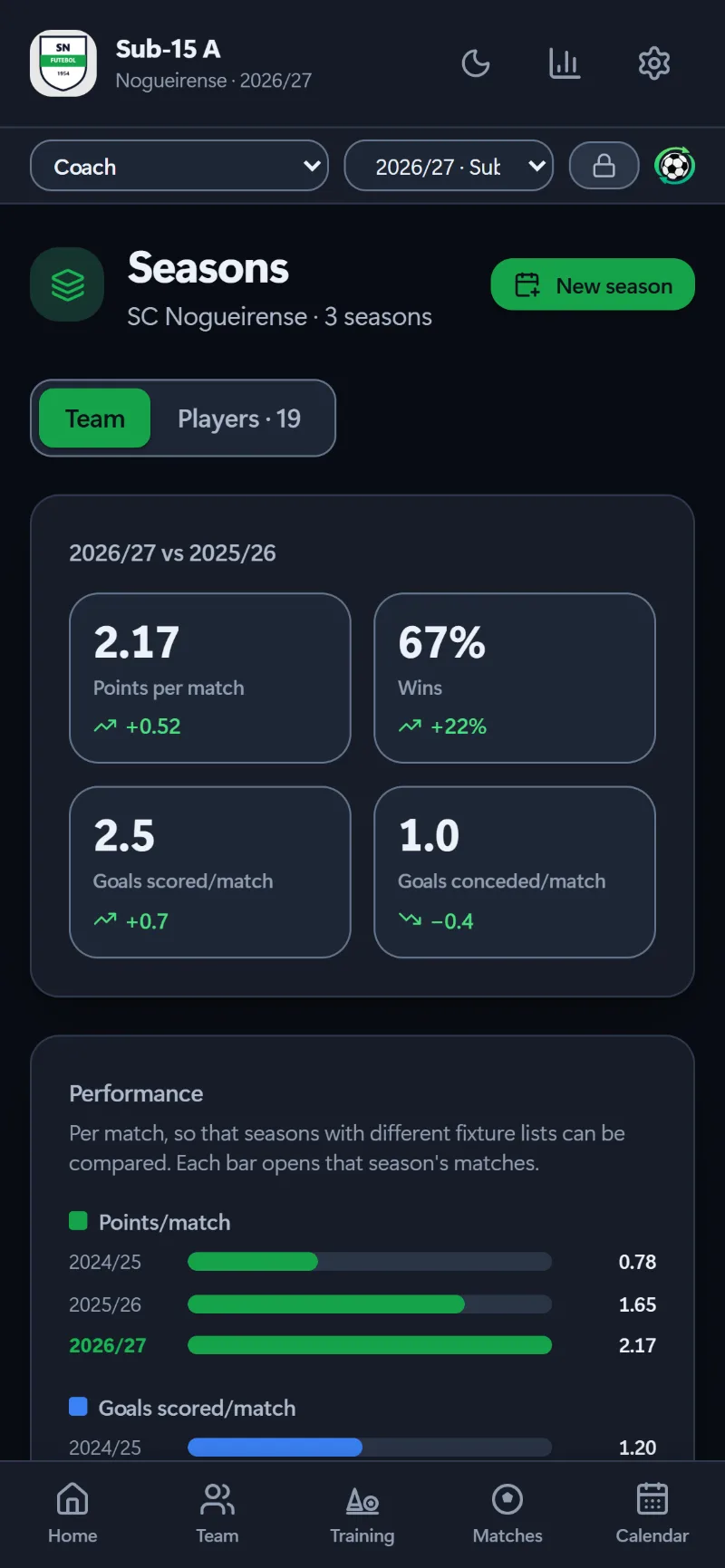
SeasonComparing seasons
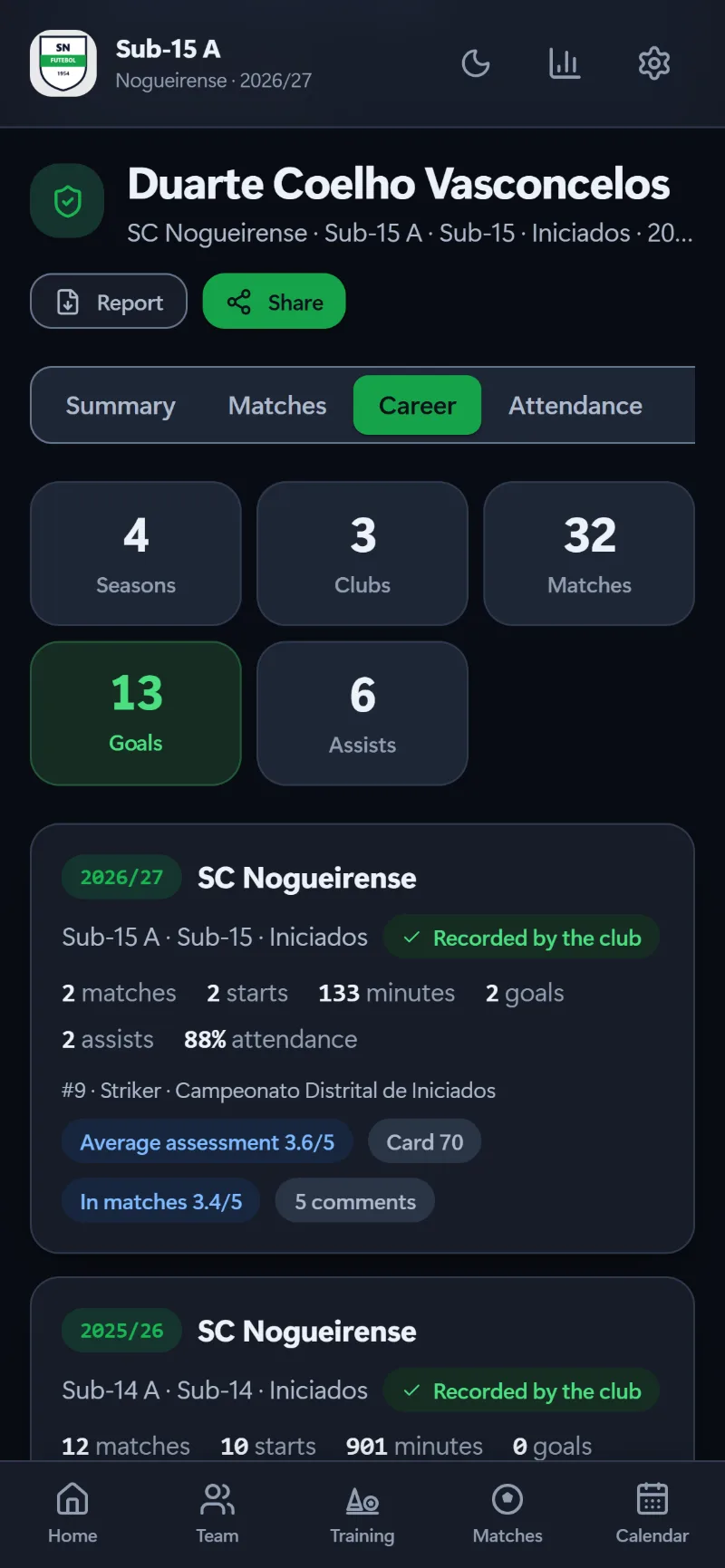
PortalA player’s career
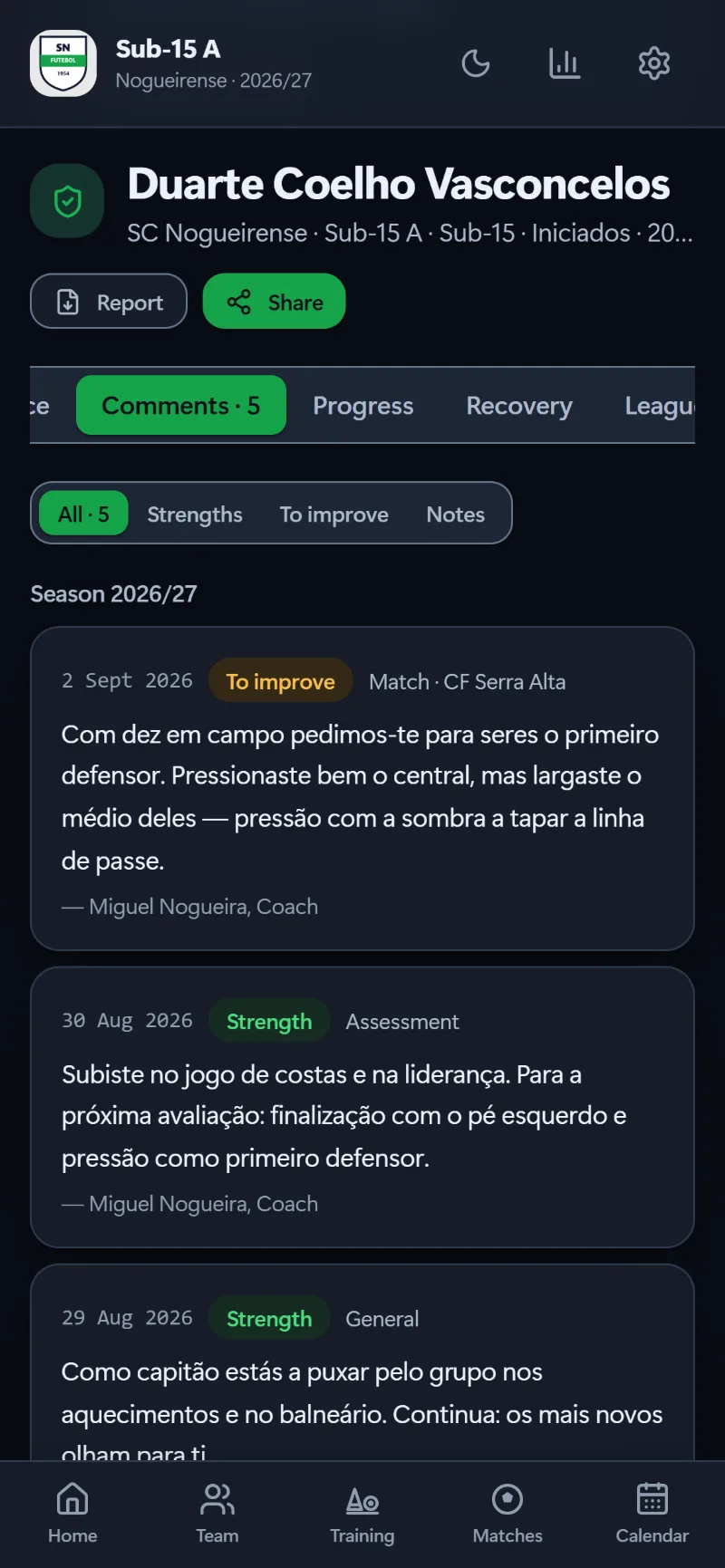
PortalComments from the coaches
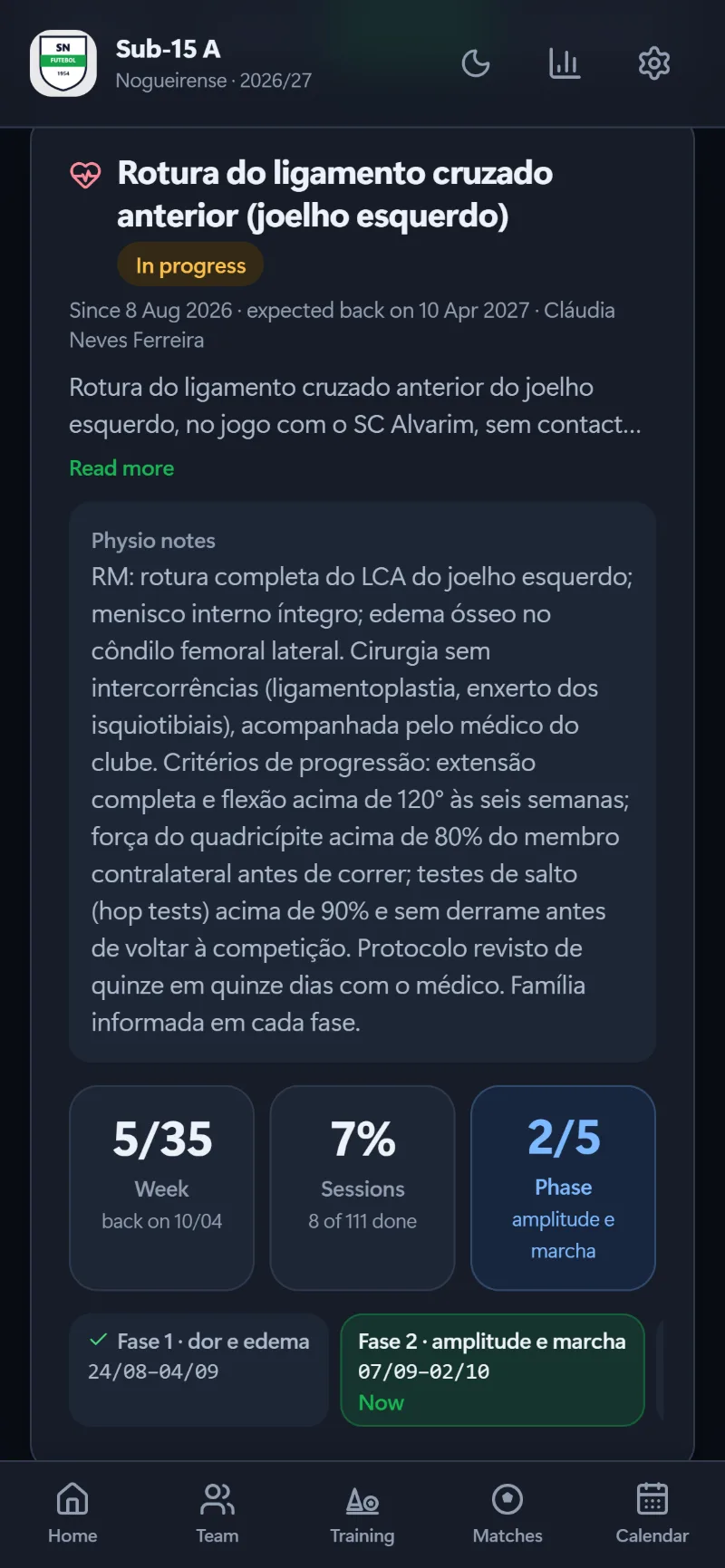
PortalRecovery: today’s session
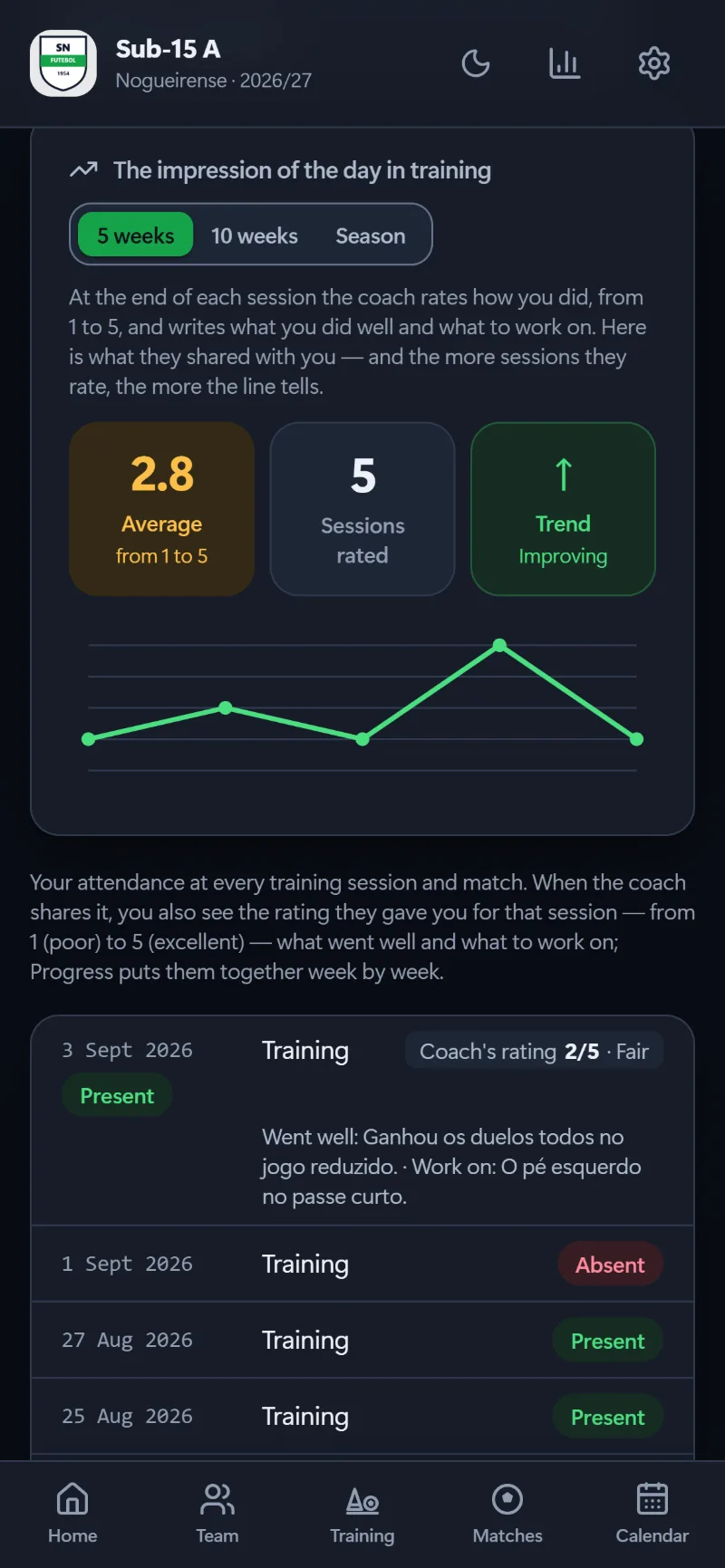
PortalTraining ratings
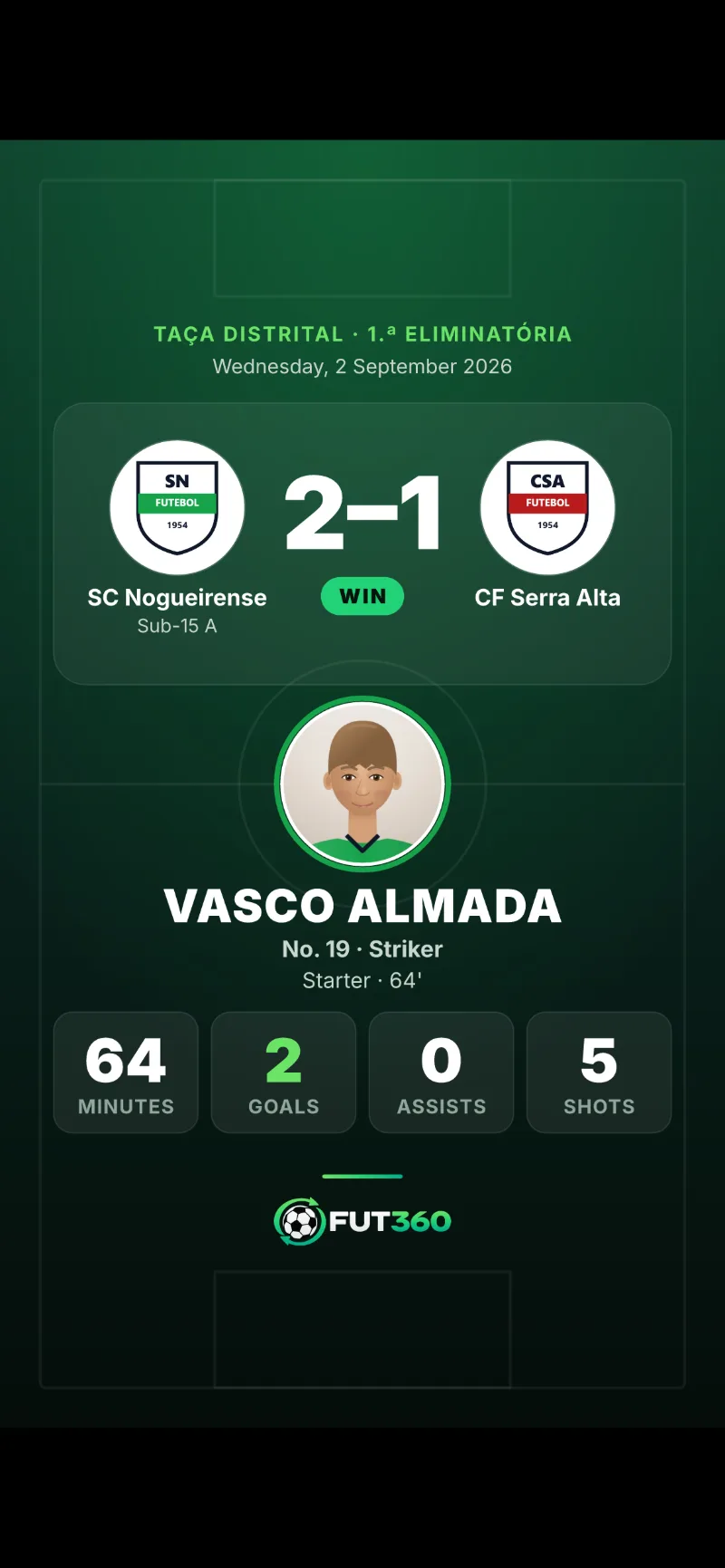
PortalMatch card for Instagram
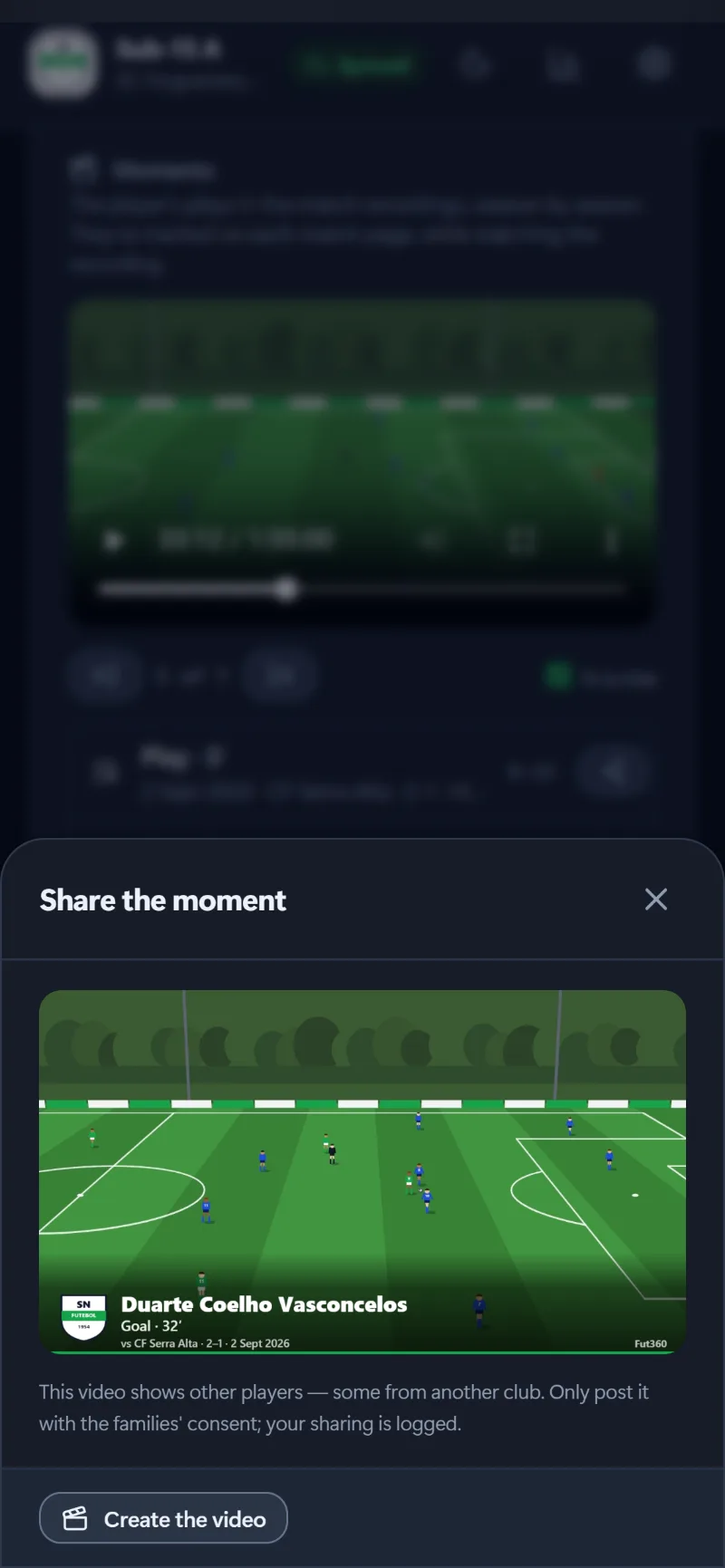
RecordingsA clip ready to share
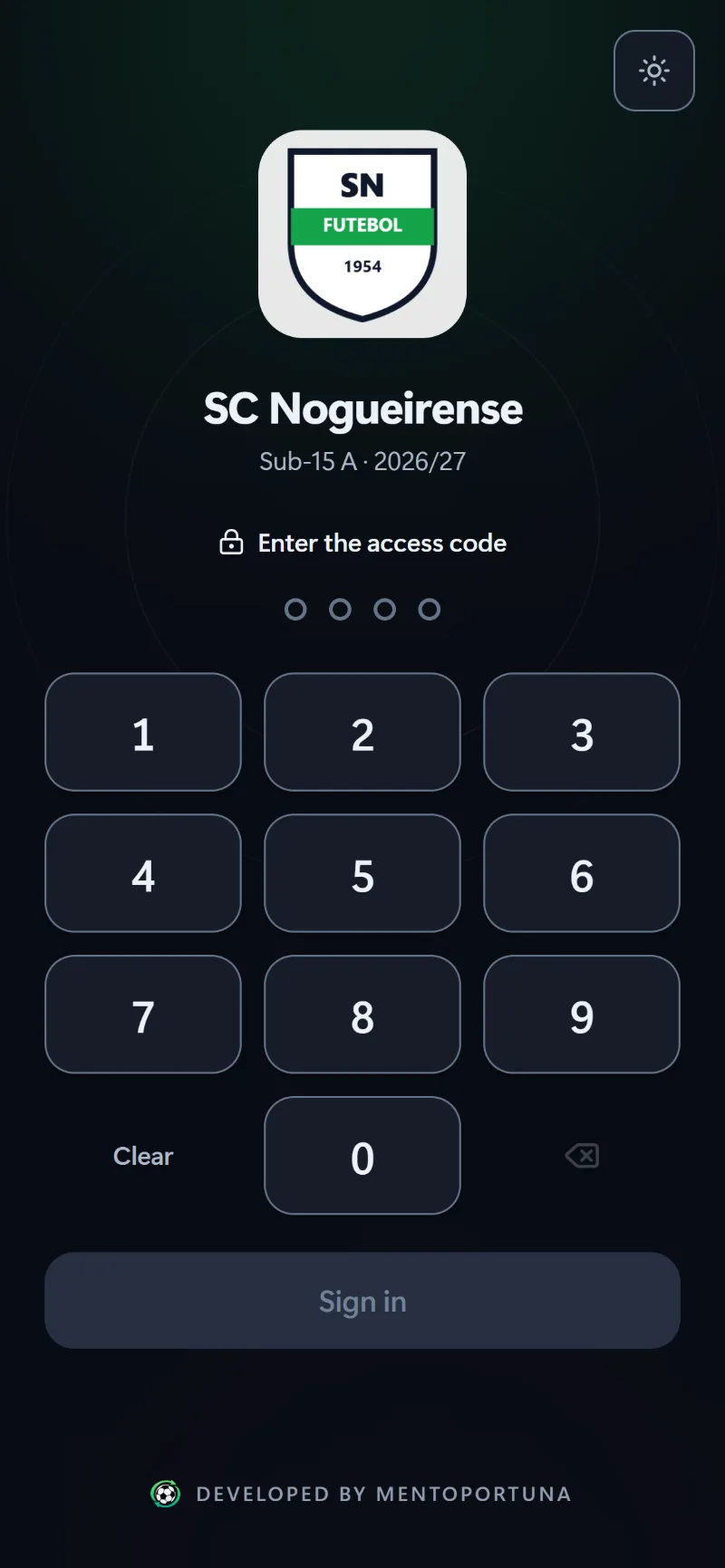
SecurityUnlock with a code or biometrics
Swipe to see more
Look and feel
Why it looks the way it does.
Your club’s colours
Buttons, tabs and charts use the club colour, and the text on top is set to whichever colour gives the best contrast.
Dark and light
It follows the device, or you can pick one. The theme is set before anything is drawn, so there’s no white flash at night.
Colour with meaning
Positions, events, results and actions each have their own colour, with the word always written next to it and a legend.
Made for fingers
Big buttons, quick actions and dragging to make match changes, because you’re using it standing up on the touchline.
Offline
Everything is saved on the device first. The app shows you what hasn’t been sent yet and syncs automatically.
Four languages
English, Portuguese, Spanish and French, on screen and in the PDFs, with the position abbreviations each language uses.
Made for your club
Use your club’s colours.
Your club colour becomes the accent for buttons, tabs and charts. The app picks whichever text colour gives the best contrast on top, so a yellow club gets black text and a navy one gets white.
- Light or dark, matching the device
- English, Portuguese, Spanish and French
- Looks the same on every device
Phone
In your pocket.
On a phone, the bar at the bottom takes you to the five places you use most: Home, Team, Training, Matches and Calendar. Panels slide up from the bottom, the tactics board goes full screen, and you can do it all with one hand.
Logging the match live
A player’s training sheet
Recovery in the portal
An animated exercise
Tablet
Either way up.
On a tablet the sidebar is always within reach. In landscape there’s room to put things side by side, and in portrait the same screen stacks into a column with everything still there.
Landscape
Portrait
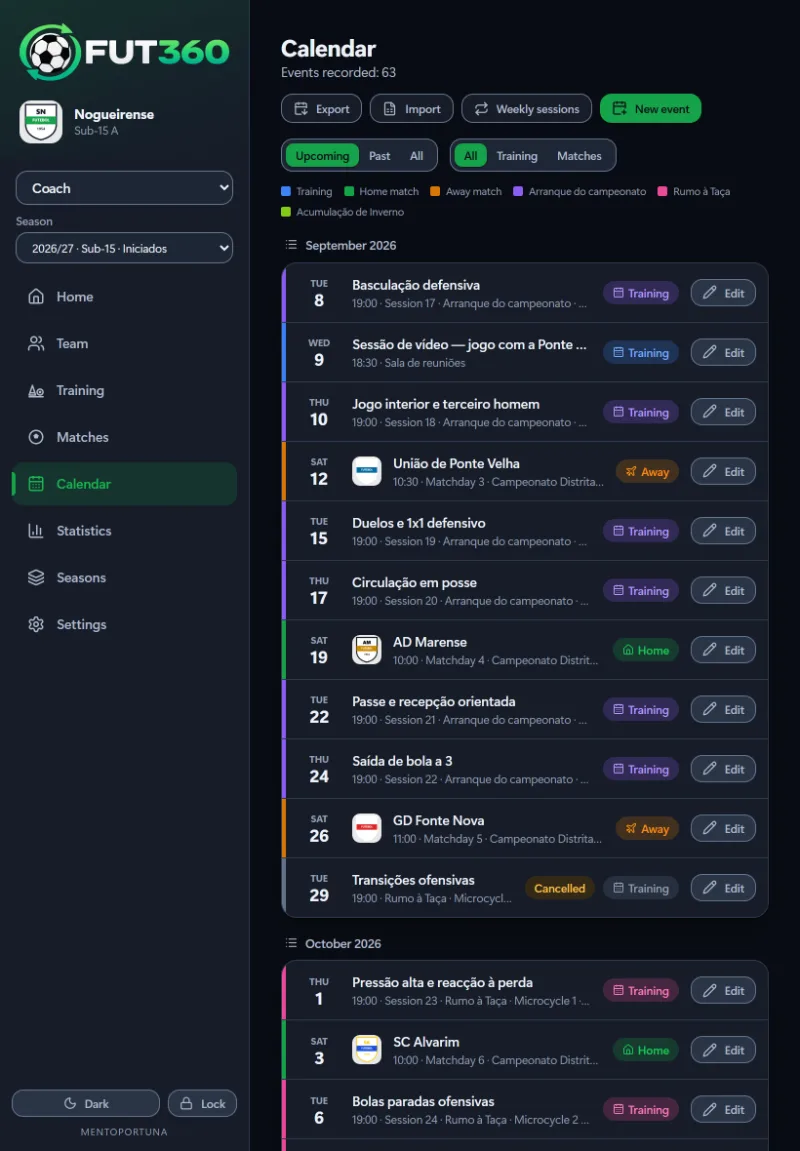
In landscape the list and the month grid sit side by side. In portrait the list takes the full width.
Landscape
Portrait
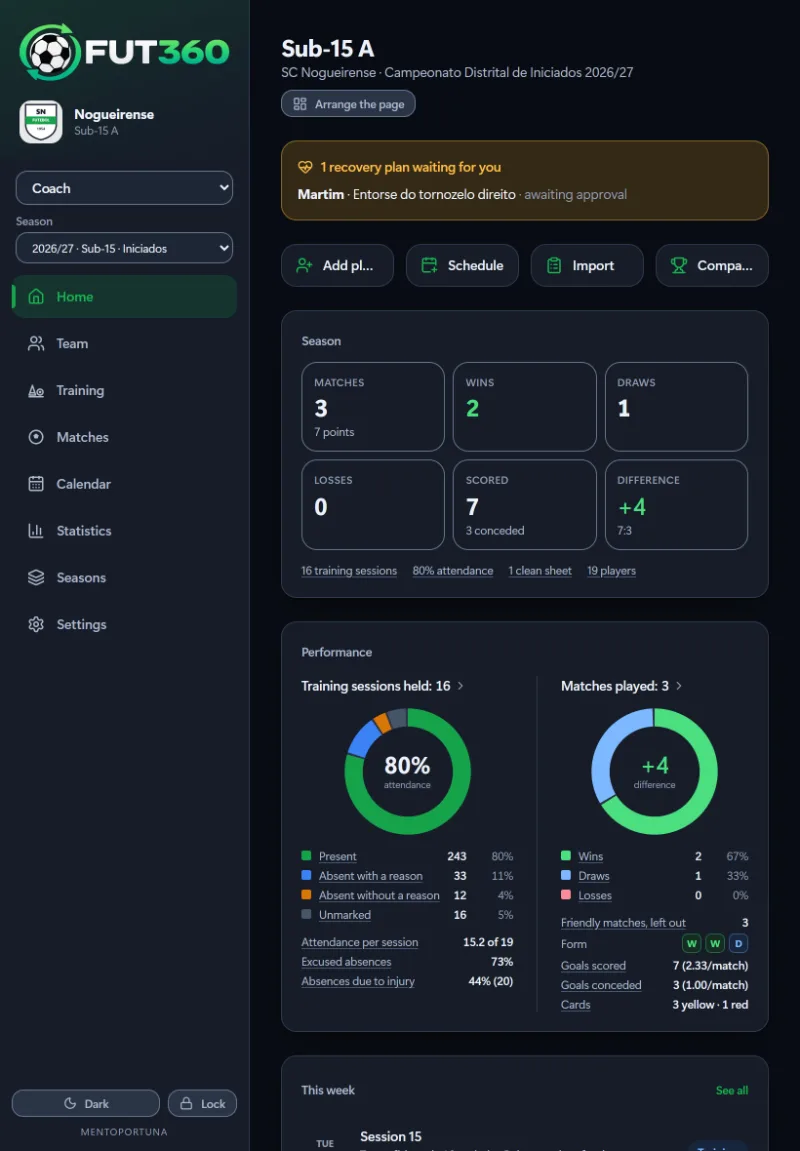
The Home screen adapts to the width, with more panels side by side in landscape and stacked in portrait.

Bring Fut360 to your club.
If you’re a coach, you can start a free trial today. For a club, book a demo and we’ll show you the app with a sample team.
Launch offer: everyone who signs up by 30 November 2026 gets 30 extra free days, so 60 instead of 30. No card needed.